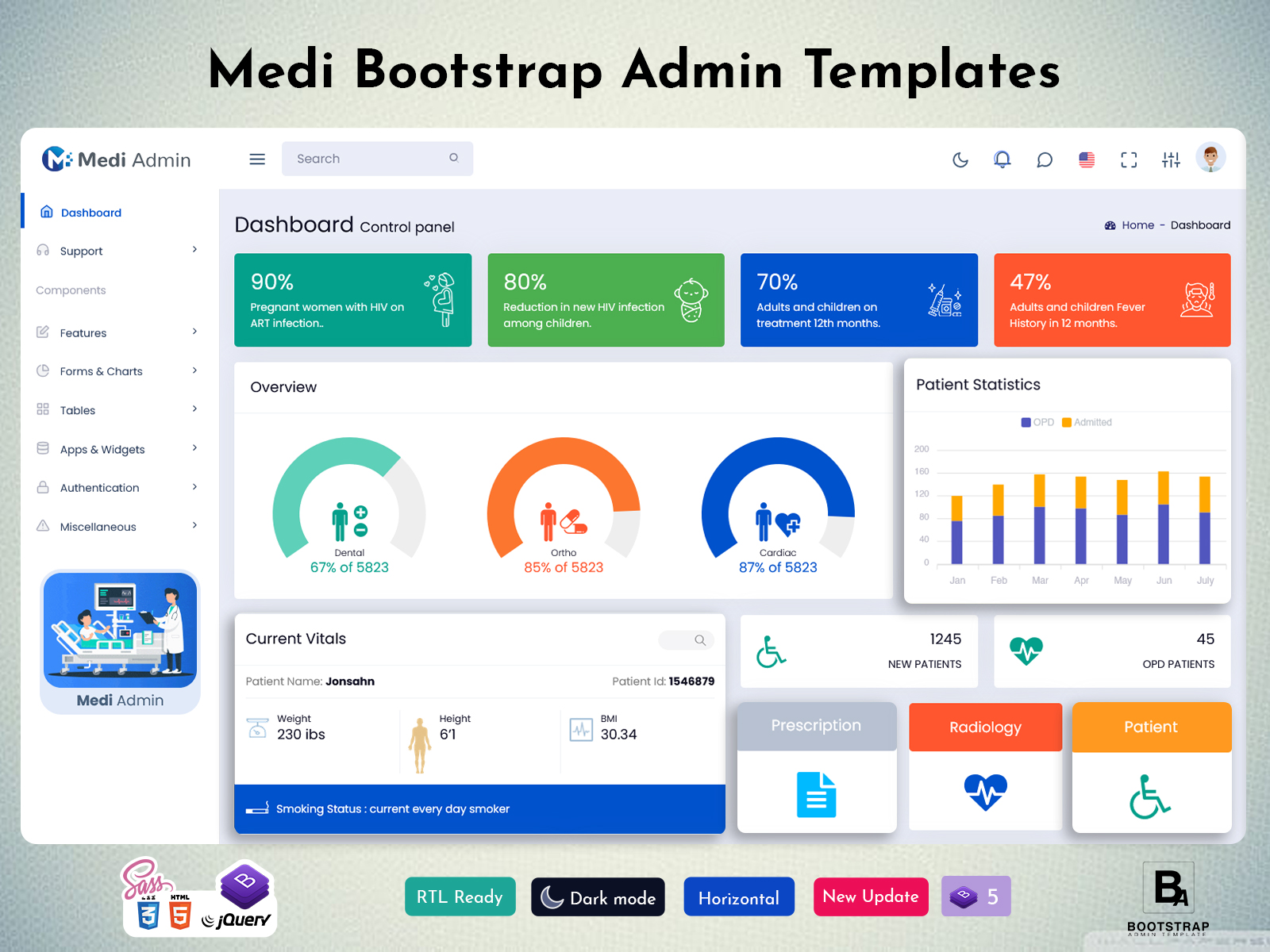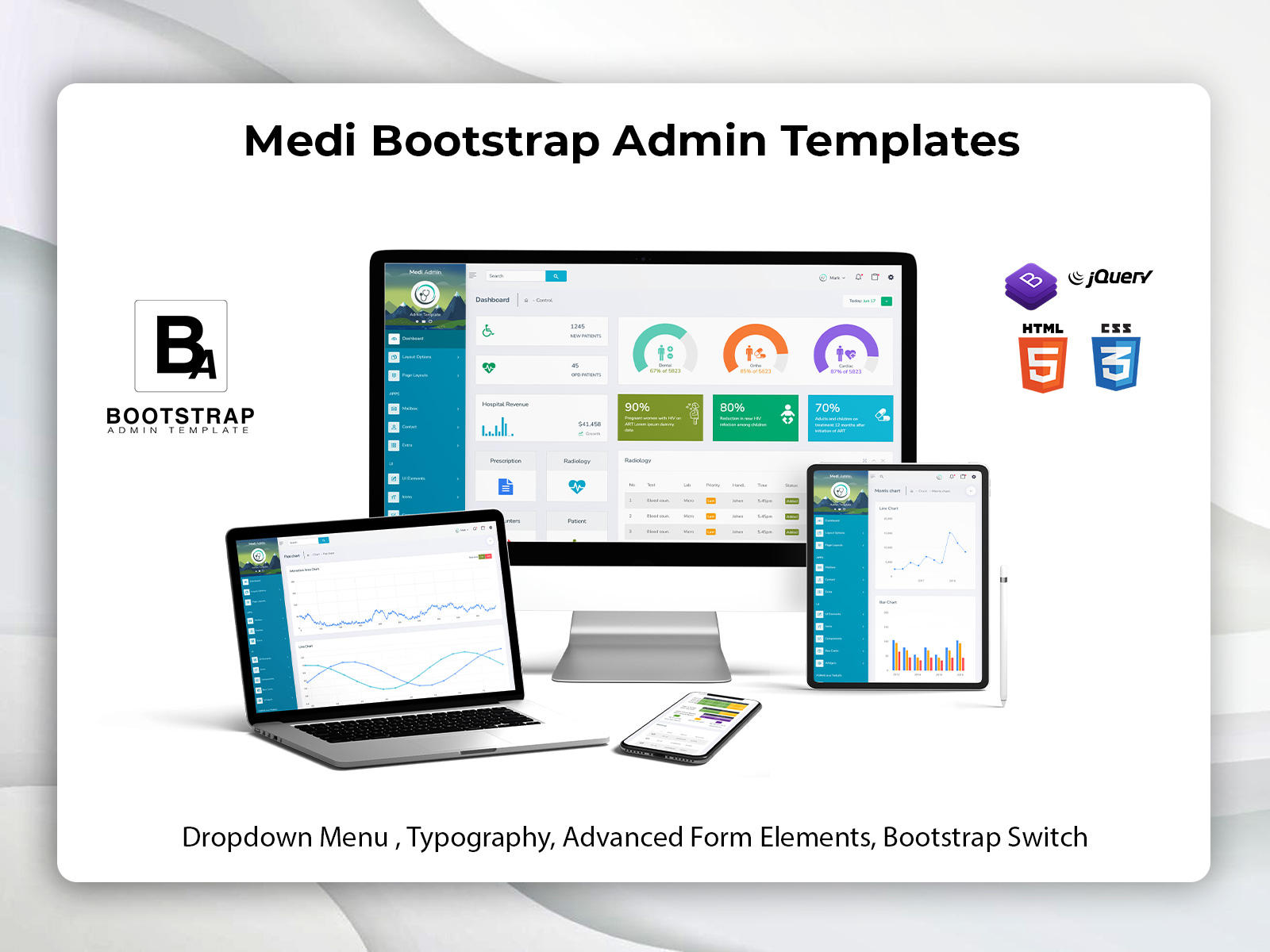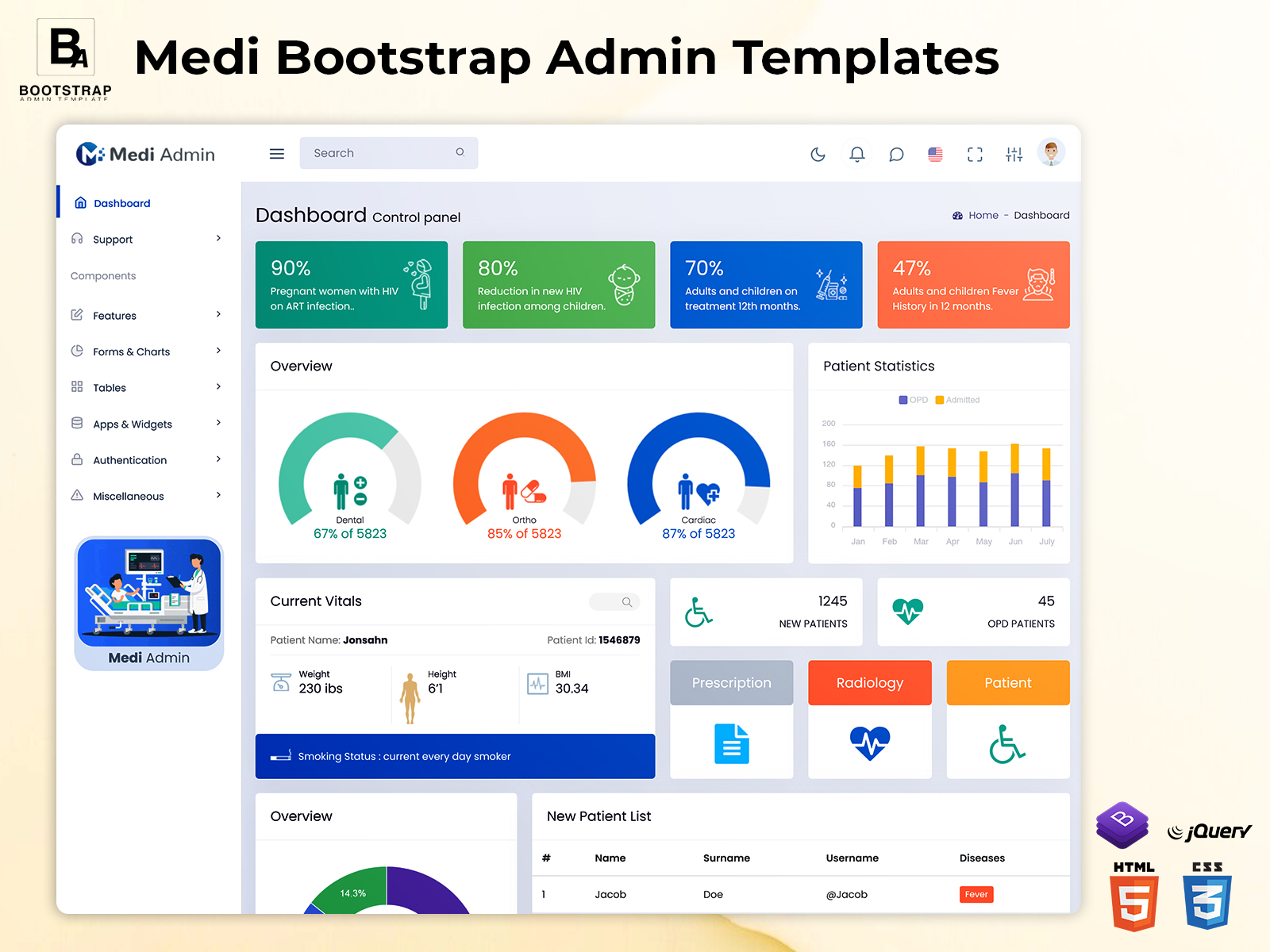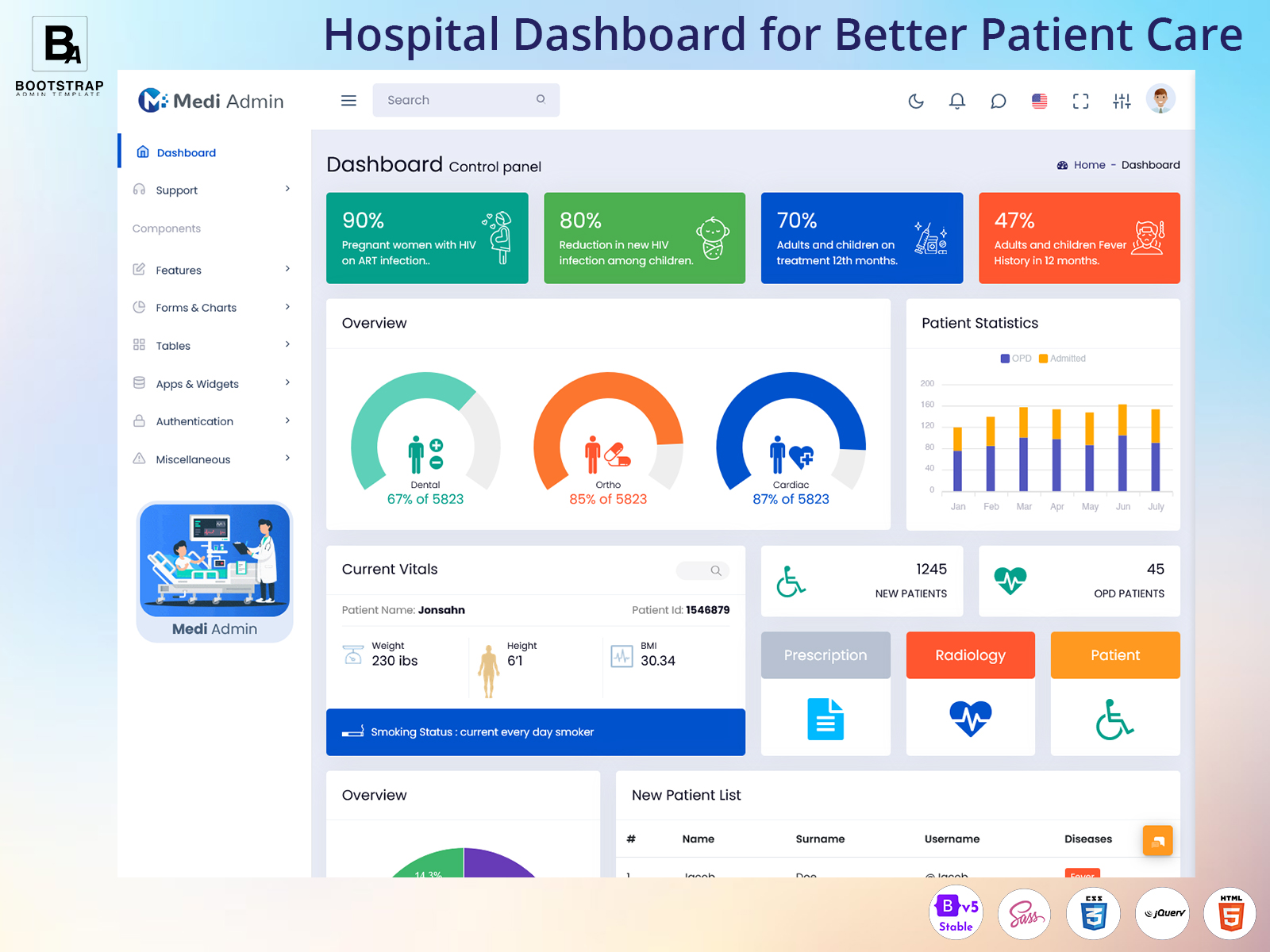
Hospital Dashboard for Patient Care & Operations
A Hospital dashboard provides a centralized interface where authorized users can access information connected with daily hospital operations. Instead of opening different systems for every task, staff can work through organized sections designed around the needs of their department and role.
The purpose of a hospital dashboard is not simply to place more information on one screen. A useful interface should help users understand what is happening, locate important records, and complete routine administrative tasks with fewer unnecessary steps. The structure can be adapted according to whether the application is intended for a clinic, private hospital, specialty center, diagnostic facility, or larger healthcare organization.
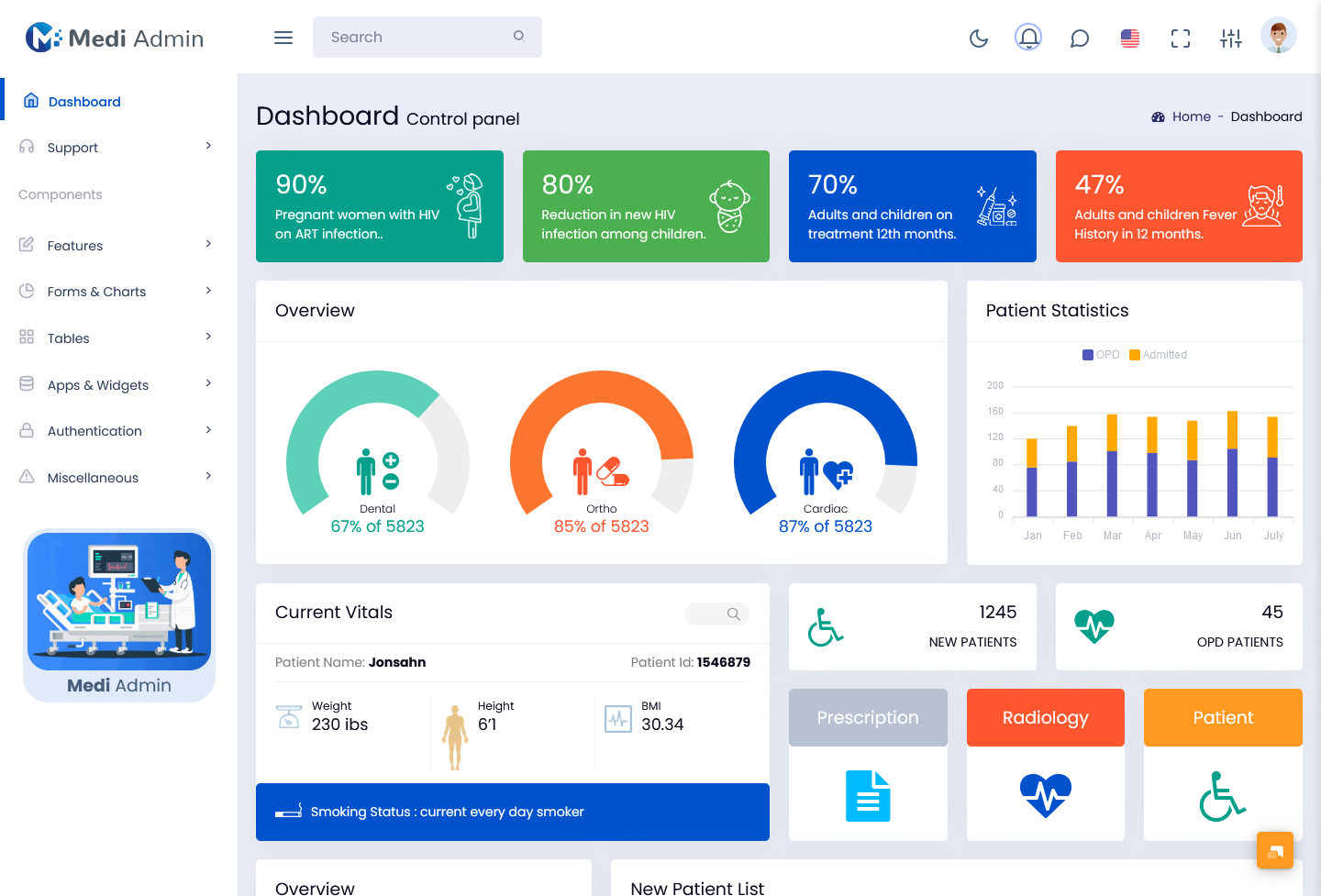
What Is a Hospital Dashboard?
A hospital dashboard is a digital administrative interface used to organize and monitor different areas of hospital management. It can connect information related to patients, doctors, appointments, departments, staff, medical records, billing, rooms, and other operational activities within one application.
Hospitals deal with information that changes throughout the day. A scheduled appointment may be completed, cancelled, or moved to another time. A patient’s registration details may need to be updated. A doctor may have a changing appointment list, while administrative staff may need to coordinate information between departments. A dashboard gives these activities a structured place within the hospital’s software environment.
One of the main advantages of a centralized interface is context. When an authorized staff member opens a patient record, they may need more than a name and registration number. Depending on their role and permissions, they may need appointment information, department details, assigned doctor, previous records, billing status, or other relevant information. Connecting these areas can make the workflow easier to understand.
A hospital dashboard template provides a pre-designed frontend foundation for creating this type of application. Developers can start with existing interface structures and then customize them according to the hospital’s workflow. They can modify pages, forms, tables, navigation, user roles, and other components to match the requirements of the project.
The dashboard itself is only one part of a hospital management application. Backend systems, databases, authentication, access controls, integrations, and application logic are still required to manage the actual information. The interface provides the environment through which authorized users interact with these systems.
A hospital admin dashboard can also support different types of users. Receptionists may focus on registration and appointments, doctors may require patient and schedule information, department staff may work with operational records, and administrators may need broader management views. Designing the interface around these responsibilities can make the application more practical.
Features of a Hospital Dashboard
Patient Registration and Profiles
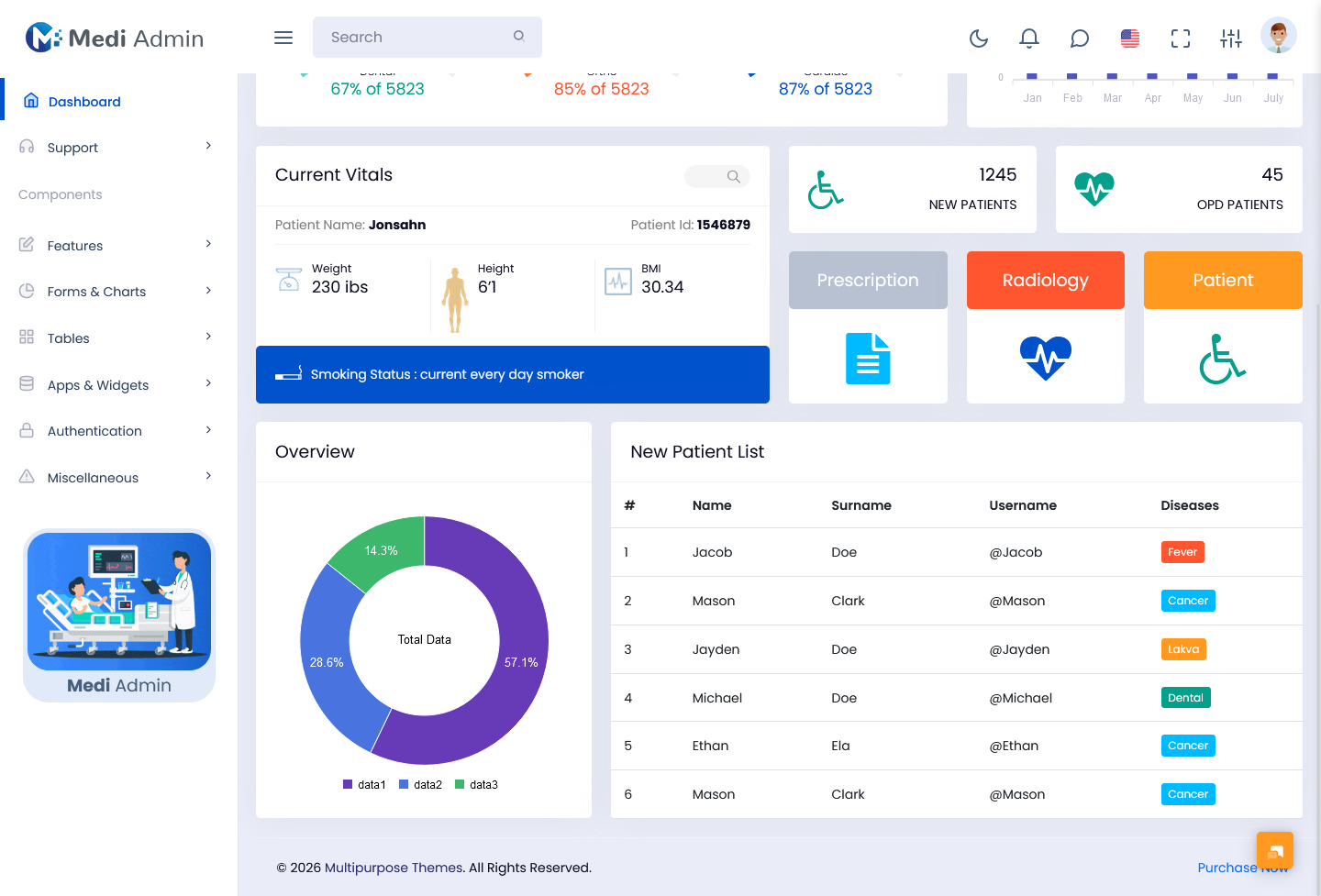
A dedicated patient section can organize registration details and other relevant information in one place. Authorized staff can search records, update details, and access information required for the patient’s current administrative or clinical workflow.
Appointment Management
Appointments can be organized according to doctors, departments, dates, or appointment status. Staff can review upcoming schedules, identify changes, and maintain a more structured view of patient visits.
Doctor and Staff Management
A hospital application can include profiles for doctors and staff members along with their departments, roles, schedules, or other relevant information. This can help administrators coordinate responsibilities across the organization.
Department Organization
Hospitals often operate through multiple departments with different workflows. A dashboard can provide separate areas for departments while maintaining a common administrative structure across the application.
Medical Record Access
Where appropriate permissions are provided, authorized users can access patient records through an organized interface. The exact information available should depend on the user’s role, hospital policies, and applicable privacy requirements.
Billing and Payment Records
Administrative teams may need to review billing information, invoices, payment status, or related records. A dashboard can place these functions in a dedicated area rather than mixing financial information with unrelated patient-management screens.
Room and Resource Tracking
For hospitals that manage rooms, beds, or other resources, the interface can provide a structured view of availability and allocation. This can help authorized administrative teams coordinate resources according to the hospital’s operational requirements.
VIEW DEMO BUY NOW
How a Hospital Dashboard Supports Daily Hospital Operations
Hospital workflows are rarely limited to one department. A patient’s journey can involve registration, appointment scheduling, consultation, diagnostics, billing, pharmacy, admission, discharge, or follow-up. Each stage can create information that another department may need later.
A well-structured Hospital dashboard can connect these activities at the interface level. For example, appointment information can be linked with doctor schedules and patient profiles. This allows authorized staff to work with related information without repeatedly entering the same details into unrelated areas.
The interface can also help distinguish urgent operational tasks from routine records. A reception team may need to focus on today’s appointments, while an administrator may be reviewing broader hospital activity. Presenting information according to user responsibilities can make the dashboard more useful than showing identical information to everyone.
Another important consideration is record organization. Hospitals can maintain a significant amount of information over time. Search, filters, categories, sorting, and well-organized tables can make large collections of records easier to navigate.
A Hospital admin dashboard can also support communication between administrative functions. For instance, when an appointment changes, relevant scheduling information can be updated in the system so authorized users have access to the latest available record. This reduces the need to maintain multiple manual lists.
For developers, flexibility is particularly important because healthcare organizations do not all operate in the same way. A small specialty clinic may need appointment and patient management, while a multi-department hospital may require considerably more modules. A customizable hospital admin template allows the development team to adapt the interface around those differences.
Designing a Hospital Dashboard Around the Patient Journey
A hospital dashboard can be designed around the sequence of activities that patients experience rather than simply dividing the application into unrelated administrative pages.
The process may begin with registration. Staff collect the required information and create or locate the patient’s record. The next stage may involve appointment scheduling, where the system connects the patient with an available doctor or department. After the consultation, additional activities such as diagnostics, billing, medication, admission, or follow-up may occur.
Organizing the interface around these stages can make it easier for staff to understand where a particular patient is within the hospital’s workflow. It also creates opportunities to connect information that otherwise might remain isolated.
For example, a doctor’s schedule is related to appointments, while appointments are related to patient records. Billing may relate to services provided during a visit. Admission may involve room or bed allocation. These relationships can be reflected in the interface without requiring every user to see every available detail.
The approach is also useful for hospital administrators. Instead of looking only at individual records, they may need to understand activity across departments, appointments, staff, resources, and administrative processes. A dashboard can provide broader views while allowing authorized users to move into more detailed records when necessary.
A hospital dashboard template can provide a starting structure for implementing this type of experience. Developers can customize the navigation and page hierarchy so the interface follows the organization’s actual workflow instead of forcing hospital staff to adapt to an unrelated template structure.
The design should also take privacy and access control seriously. Healthcare applications can contain sensitive information, so the dashboard should be connected with appropriate authentication, authorization, audit practices, and security measures. A visually organized interface alone does not determine whether a healthcare application is secure.
Benefits of Hospital Dashboard
1. Centralized Hospital Information
A hospital dashboard can bring patient, appointment, doctor, department, and administrative information into a connected application. This gives authorized users a consistent environment for accessing records relevant to their responsibilities.
2. Easier Appointment Coordination
Appointments can be organized around doctors, departments, dates, and status. Staff can review schedules and make updates through a dedicated interface, helping them manage changing appointment requirements more systematically.
3. Faster Record Navigation
Search, filters, categories, and structured tables can make large collections of hospital records easier to navigate. Staff can locate relevant information without manually reviewing unrelated records or pages.
4. Better Department Coordination
Different departments can work through dedicated sections while remaining part of the same hospital application. This creates a common administrative structure without requiring every department to use an entirely separate interface.
5. Improved Administrative Visibility
Hospital administrators can access broader information about operational activity through organized dashboard sections. This can provide useful context when reviewing schedules, staff responsibilities, resources, or other administrative processes.
6. Flexible Application Development
A customizable dashboard allows developers to adapt the interface around the hospital’s specific requirements. New fields, workflows, user roles, and management sections can be introduced as the project develops.
7. Support for Growing Organizations
As a healthcare organization expands, its software may need additional departments, users, records, and workflows. A modular dashboard structure can provide a foundation that developers can extend instead of rebuilding the complete interface.
BootstrapAdminTemplate for Hospital Dashboard Development
BootstrapAdminTemplate provides ready-made admin dashboard resources that developers can use as foundations for web applications. Its collection includes Bootstrap-based templates, reusable interface components, layouts, forms, tables, and application-oriented screens that can be adapted to different project requirements. For a healthcare project, these resources can serve as a frontend starting point for building patient management, appointment, doctor, department, staff, and administrative interfaces while the development team connects them to its own backend and data systems.
A hospital project can therefore use a hospital admin template as an interface foundation rather than creating every basic administrative screen from scratch. Developers can customize the available structure, connect required APIs, implement authentication and role permissions, and shape the final interface around the organization’s actual workflow.
Conclusion
A hospital dashboard can bring many operational activities into a structured digital workspace. Patient registration, appointments, doctors, departments, staff, billing, records, and resources can be organized into connected areas according to the needs of the healthcare organization.
The most useful dashboard is not necessarily the one containing the largest number of screens. It is the one that makes relevant information easier for authorized users to find and supports the way hospital staff actually work.
A hospital dashboard template can provide a practical starting point for developers who need to build such an application. Instead of spending the initial stage creating every common interface element, developers can focus on customization and integration with the hospital’s backend systems.
As healthcare organizations grow, their software requirements can change as well. Additional departments, users, workflows, and administrative functions may need to be introduced. A flexible dashboard structure can make these changes easier to accommodate.
With appropriate security, authentication, permissions, and data-management practices, a hospital admin dashboard can become an important interface for organizing hospital operations and giving different teams access to the information relevant to their responsibilities.
VIEW DEMO BUY NOW
Frequently Asked Questions
1. What should a hospital dashboard include?
A Bootstrap Admin Template hospital dashboard can include patient profiles, registration, appointment scheduling, doctor information, department management, staff records, billing, room or resource information, and other administrative functions. The exact modules should be selected according to the hospital’s workflow and the responsibilities of authorized users.
2. Can a hospital dashboard template be customized?
Yes. A Bootstrap Admin Template hospital dashboard template can be customized to match a healthcare organization’s requirements. Developers can modify navigation, forms, tables, fields, pages, user roles, and workflows and can connect the interface with the hospital’s existing backend, APIs, database, or hospital management software.
3. What is the difference between a hospital dashboard and a hospital admin dashboard?
A Bootstrap Admin Template hospital dashboard is a broader term for an interface used to display or manage hospital-related information. A hospital admin dashboard generally refers specifically to the administrative side of the application, where authorized staff manage patients, appointments, doctors, departments, employees, billing, and other operational functions.
4. Can a hospital admin template be connected to an existing hospital management system?
Yes, provided the development team implements the necessary integration. The template generally represents the frontend interface, while the existing hospital management system can remain responsible for data, application logic, APIs, authentication, and other backend functionality.
5. Can different hospital employees have different dashboard access?
Yes. Role-based access can be implemented so that users receive access according to their responsibilities. For example, reception staff, doctors, nurses, billing teams, department managers, and administrators may require different information and permissions within the same hospital application.
6. Is a hospital dashboard suitable for a small clinic?
Yes. A smaller clinic can use a simplified dashboard focused on patient registration, appointments, doctors, and basic administrative activities. As the clinic expands, additional modules such as departments, staff management, billing, resources, or more detailed workflows can be introduced.
7. What should developers consider when choosing a hospital dashboard template?
Developers should consider customization options, layout flexibility, reusable components, responsive behavior, integration requirements, user roles, accessibility, and the application’s security architecture. Because healthcare applications can involve sensitive information, the template should be treated as the frontend foundation rather than the complete security or data-management solution.