CRM Dashboard: Organizing Customer Data for Better Business Operations
A CRM dashboard provides a means for all these tasks to take place in an organized environment. The CRM dashboard provides a platform through which all sales, service, marketing, and managerial teams can access information about the customers as well as monitor tasks taking place within the organization.
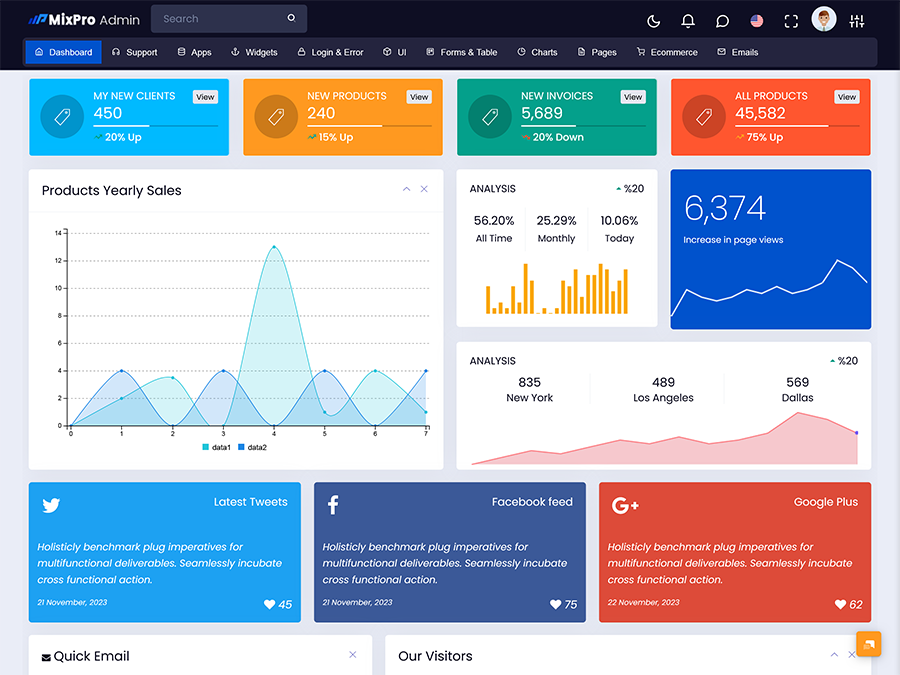
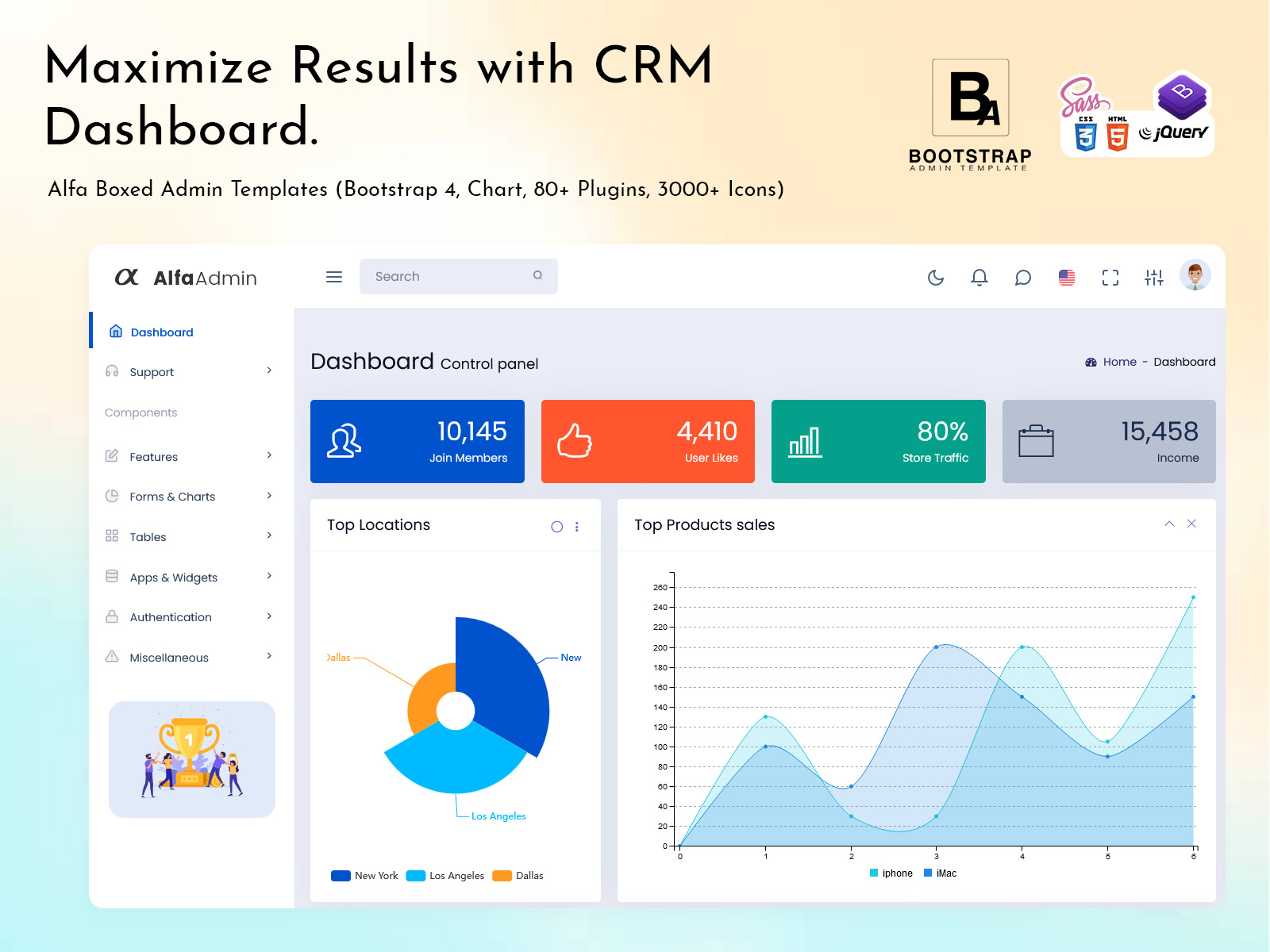
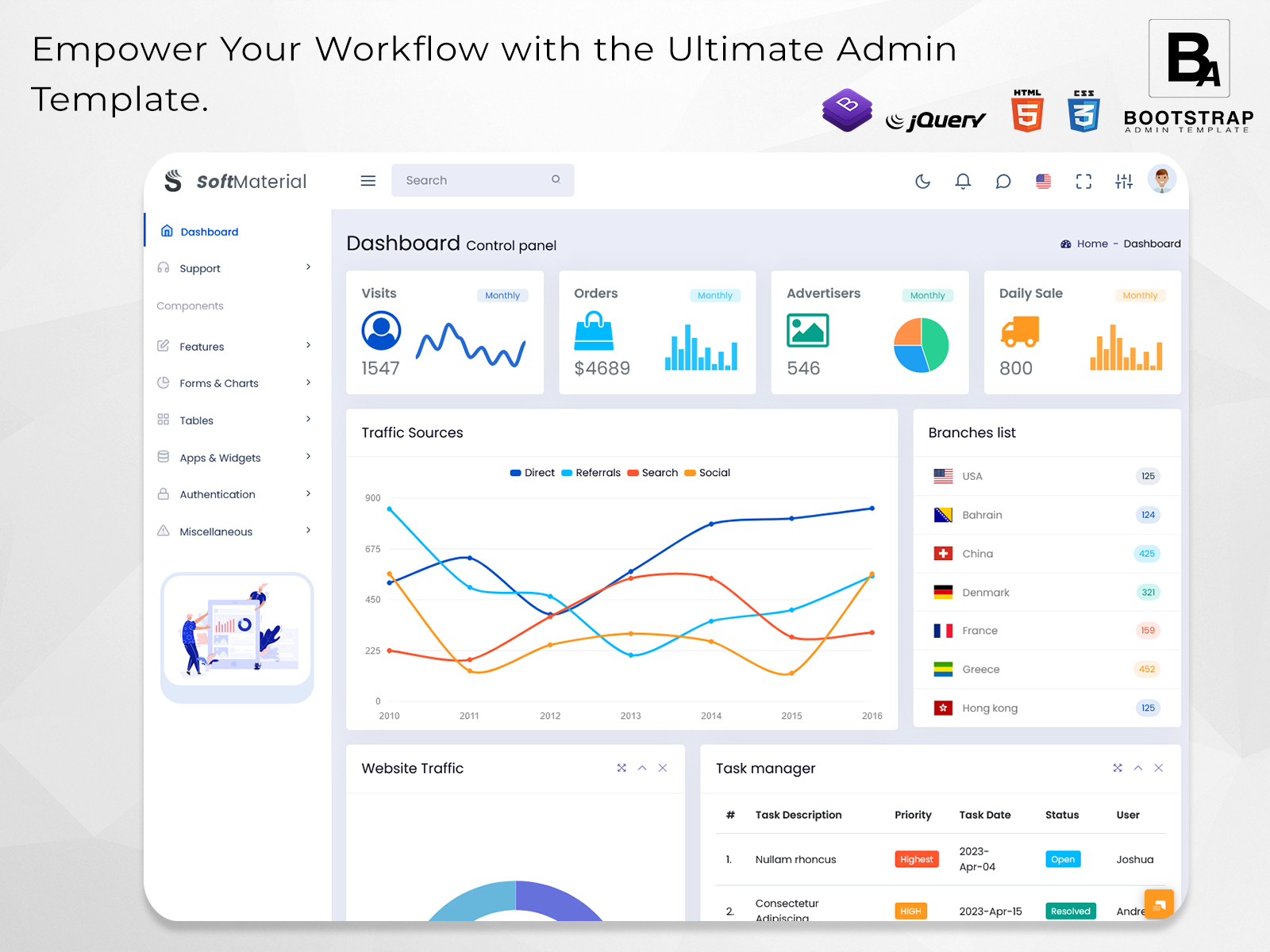
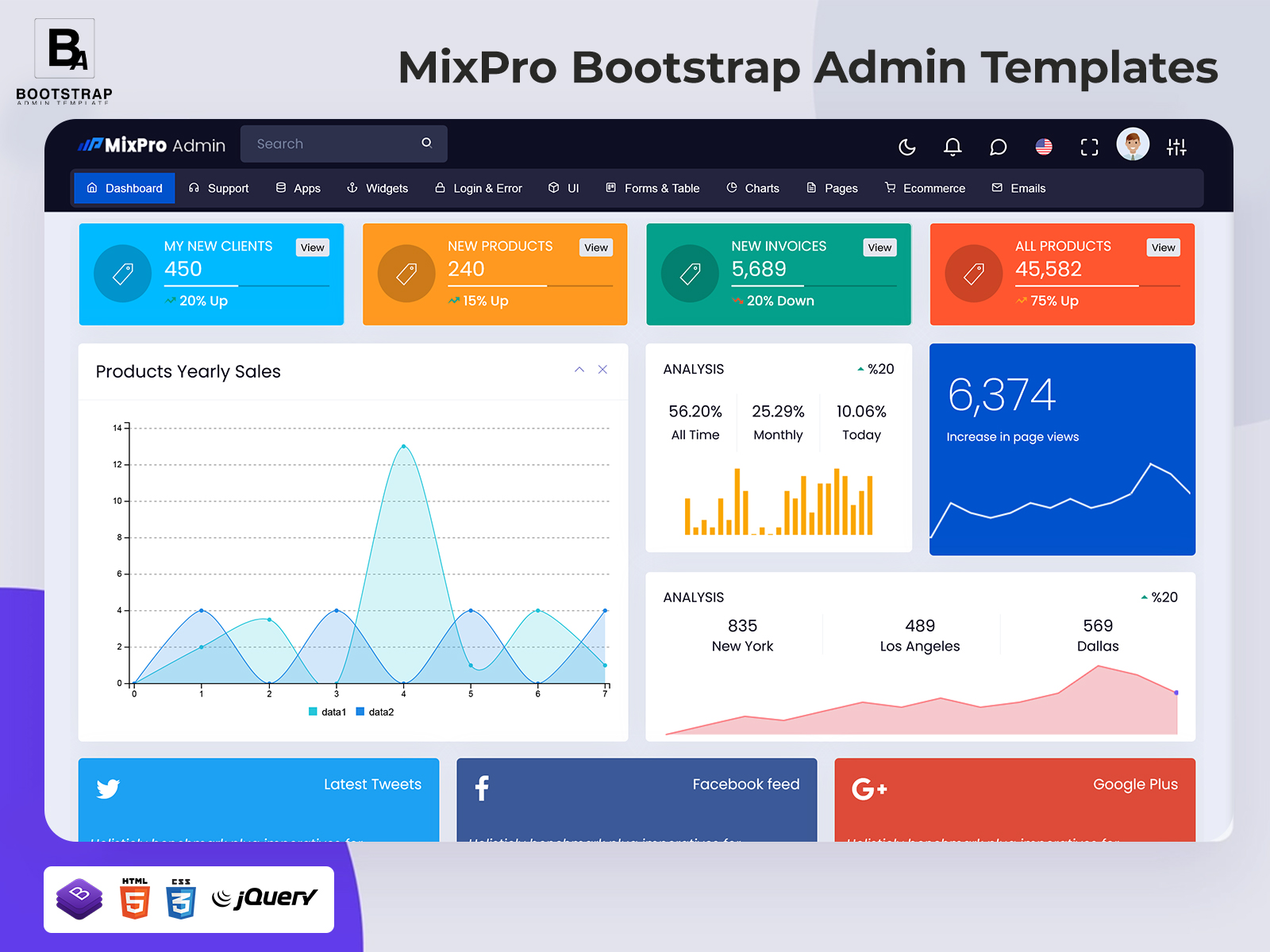
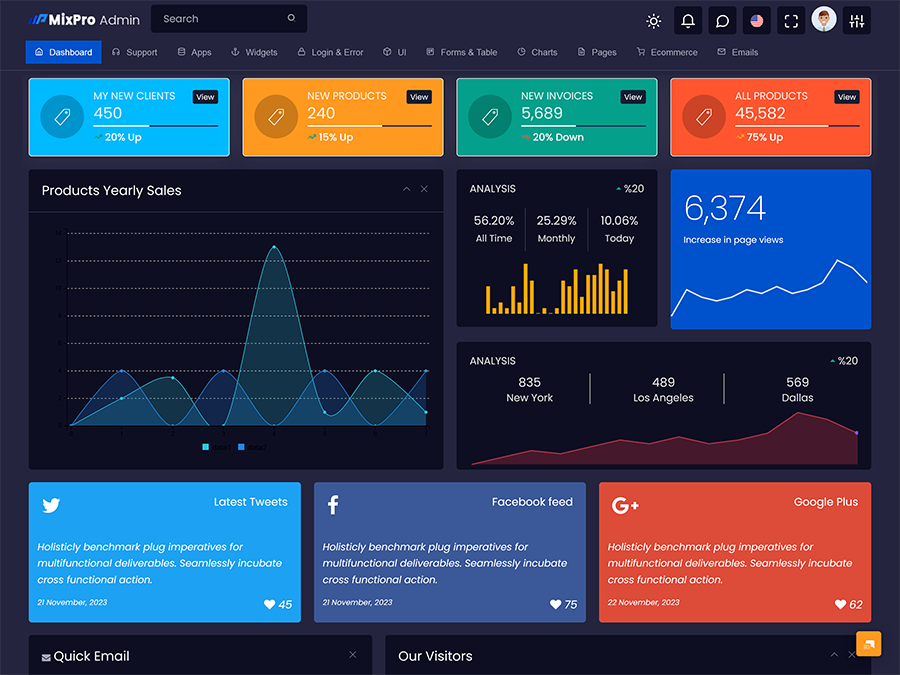
For businesses developing a CRM application, the interface also needs to support practical daily tasks. A useful dashboard should make information easy to locate without filling every screen with unnecessary details. This is where a thoughtfully planned CRM dashboard template can provide a useful starting point for creating an organized administrative experience.
What Is a CRM Dashboard?
A CRM dashboard is a central interface used to organize customer information, sales activities, account records, communication history, tasks, and other relationship-management data. It acts as a working area where teams can review what is happening with prospects and customers without opening several unrelated systems.
The value of a CRM dashboard is closely connected to the way information is arranged. A sales representative may need to see today’s follow-ups, open opportunities, recent conversations, and customer details. A sales manager may be more interested in the status of active accounts, team workloads, and movement between different stages of the sales process. Management may need a broader view of customer activity and business operations. The same system can therefore serve different users when its interface is structured around their responsibilities.
Another way in which a properly organized dashboard is helpful is that it maintains the continuity in customer interaction. For instance, in case a client reaches out to the firm for the second time, the team members can check the existing information in order to decide what their next step should be.
For developers, a CRM admin template can provide the visual and structural foundation for such an application. Rather than creating every navigation area, data table, form, profile screen, and management view from the beginning, developers can customize an existing interface according to the application’s requirements.
The dashboard does not replace the underlying CRM system. The database, business rules, authentication, APIs, automation, and integrations still determine how the application actually works. The dashboard provides the interface through which users interact with those systems.
This distinction is important when selecting a template. The right interface should not only look professional; it should also provide enough flexibility for the developer to connect real customer data and create workflows that match the business.
Features of a CRM Dashboard
Customer Account Workspace
A customer workspace can bring important account details into one place. Contact information, company details, previous interactions, notes, assigned team members, and current activities can be organized so users can understand the account before starting a new conversation.
Lead and Opportunity Tracking
There can be a separate section of a CRM dashboard where one can monitor the leads as they pass through various stages. New leads can be entered, assigned, and opportunities that need further contact can be identified.
Follow-Up Management
Follow-ups form a vital component of the customer service function. A dashboard would help track calls to be made, meetings, emails, and other activities that need to be taken up.
Interaction History
Customer interactions consist of many conversations on various dates. An activity timeline will assist the user in reviewing previous calls, messages, meetings, and notes prior to continuing the relationship.
Team Assignment
Customer records can be assigned to specific sales representatives, account managers, or support employees. This helps businesses define responsibility and makes it easier to understand who is currently handling a particular customer or opportunity.
Search and Filtering
As customer records increase, finding a specific account can become time-consuming. Search and filtering options allow users to narrow information according to customer name, account status, representative, activity, date, or other available fields.
Task and Activity Planning
A CRM dashboard can connect customer records with tasks that need to be completed. This creates a practical bridge between customer information and everyday work, allowing teams to manage responsibilities without maintaining separate lists.
How a CRM Dashboard Can Improve Customer-Facing Work
A CRM dashboard becomes more useful when it reflects the actual rhythm of customer management. Sales teams rarely work with one type of activity throughout the day. They may begin with new enquiries, continue with scheduled calls, update opportunity records, prepare proposals, and return to existing accounts before the day ends.
A carefully structured interface can give these activities a logical place. Instead of opening a customer profile in one area and checking tasks somewhere completely separate, the system can connect related information. This can reduce unnecessary navigation and make the working process easier to follow.
Another useful aspect is context. A customer record without recent activity can provide only limited information. When previous conversations, assigned tasks, account notes, and current opportunities are connected, users can understand the relationship in greater detail. This can be especially useful when an account is handled by more than one person.
The dashboard can also help managers understand workload distribution. If several representatives are handling different groups of customers, the interface can provide an organized view of assignments and outstanding activities. Managers can then review the information available in the system when coordinating work.
For developers, these requirements create a need for an interface that can be modified rather than a rigid collection of screens. A CRM UI framework can help provide reusable interface structures that developers can adapt for customer records, tables, forms, profile pages, activity feeds, and other application areas.
The design should also consider how users move between information. A dashboard with too many unrelated controls may make the system harder to operate. Grouping information by customer, activity, sales process, and responsibility can create a more understandable environment.
CRM Dashboard for Different Business Teams
A CRM dashboard does not have to serve only sales representatives. Different departments can use the same customer information for different purposes.
A sales team may focus on prospects, opportunities, proposals, and scheduled follow-ups. Their workspace can prioritize records that require immediate action.
A customer service team may need access to account information, previous conversations, open issues, service requests, and customer notes. Their dashboard can be organized around ongoing customer assistance rather than sales progression.
Marketing teams can use customer and lead information to understand campaign responses and organize prospects for future communication. The interface can connect customer segments with relevant marketing activities.
Managers may need a broader operational view. Rather than opening individual customer records, they may need summarized information about account activity, team assignments, open opportunities, pending tasks, and other areas of responsibility.
This flexibility is one reason a CRM software dashboard should be treated as an adaptable application interface rather than a fixed screen. Different users can interact with the same underlying data while seeing information that is relevant to their responsibilities.
VIEW DEMO BUY NOW
Benefits of CRM Dashboard
1. Organized Customer Records
A CRM dashboard keeps customer-related information in a structured environment. Teams can access account details, activities, notes, and responsibilities from connected areas instead of depending on scattered documents or disconnected records.
2. Easier Follow-Up Planning
Scheduled activities and pending tasks can be organized alongside customer information. This gives representatives a clearer picture of which customers need attention and what type of action should happen next.
3. Better Account Context
Previous interactions can provide useful background before a new conversation. By connecting activity history with customer profiles, teams can spend less time reconstructing what happened during earlier interactions.
4. Clearer Team Responsibilities
Customer records and opportunities can be assigned to specific team members. This creates clearer ownership and helps managers understand who is responsible for particular accounts or pending activities.
5. Faster Record Discovery
Search, filters, categories, and organized navigation can make it easier to locate customer information. This becomes increasingly useful when the CRM contains a large number of accounts and activities.
6. Flexible Business Workflows
A customizable dashboard can be adjusted around the way a company handles leads, customers, support requests, or account management. Developers can add or remove areas as application requirements change.
7. More Connected Daily Operations
When customer records, activities, tasks, and communication history are available within one system, teams can work with related information without constantly moving between separate tools.
BootstrapAdminTemplate for CRM Interface Development
BootstrapAdminTemplate offers admin interface products and dashboard resources that developers can use as foundations for web applications, including CRM-oriented projects. Its existing offerings include Bootstrap-based admin templates with reusable interface elements and application-oriented layouts, while its CRM-related material covers templates intended for customer and sales management interfaces.
For a CRM project, this type of ready-made interface can help developers begin with an established frontend structure and then adapt the navigation, pages, forms, tables, customer sections, and other components around their application’s requirements. The underlying CRM functionality can be connected separately through the project’s backend and data architecture.
Conclusion
A CRM dashboard is more than a collection of customer numbers and reports. It can become the everyday workspace where teams review accounts, manage follow-ups, track opportunities, maintain customer history, and coordinate responsibilities.
The most useful dashboard structure depends on how the business handles customer relationships. A sales-focused company may need a strong opportunity workflow, while a service organization may require detailed account histories and support activities. A larger organization may need separate experiences for sales, marketing, support, and management.
Using a CRM dashboard template can give developers a practical starting point for creating these experiences. Instead of spending the initial development stage designing every administrative screen, teams can work from an established interface and adapt it to their application logic.
A flexible CRM admin template can also support changes as the business evolves. New customer fields, workflows, user roles, activity types, or reporting areas can be introduced as requirements develop. This makes the dashboard an adaptable part of the CRM application rather than a fixed visual layer.
Frequently Asked Questions
1. What should a CRM dashboard include?
A Bootstrap Admin Template CRM dashboard can include customer profiles, lead records, opportunity tracking, follow-up tasks, communication history, account assignments, search tools, filters, and activity information. The exact combination depends on the business process and the roles that will use the CRM system.
2. Can a CRM dashboard template be customized for different industries?
Yes. A CRM dashboard template can be modified for industries with different customer-management processes. Developers can change fields, navigation, workflows, labels, forms, tables, and other interface areas so the dashboard reflects the organization’s actual way of managing customer relationships.
3. What is a CRM admin template used for?
A Bootstrap Admin Template CRM admin template provides a pre-designed frontend structure for building the management side of a CRM application. It can contain layouts and reusable interface components that developers customize and connect with their own database, backend services, APIs, authentication, and business functionality.
4. What does a CRM UI framework mean?
A CRM UI framework refers to the interface foundation used to create screens and components for a customer relationship management application. It can provide reusable structures for navigation, forms, tables, profiles, buttons, modals, and other elements that developers can adapt to the CRM’s workflow.
5. Can I connect a CRM dashboard template to an existing CRM backend?
Yes. A frontend template can generally be integrated with an existing backend when the required application connections are implemented by the development team. The backend remains responsible for storing customer data, authentication, business rules, APIs, and other application functionality.
6. Can different employees see different CRM dashboard information?
Yes. Developers can implement role-based access so different users receive access to information appropriate to their responsibilities. For example, sales representatives, managers, support employees, and administrators may have different permissions and dashboard sections.
7. Is a CRM software dashboard useful for small businesses?
A Bootstrap Admin Template CRM software dashboard can also be useful for smaller businesses when customer information and follow-up activities become difficult to manage manually. The interface can provide a structured place for customer records, tasks, conversations, and sales activities without requiring a large enterprise environment.