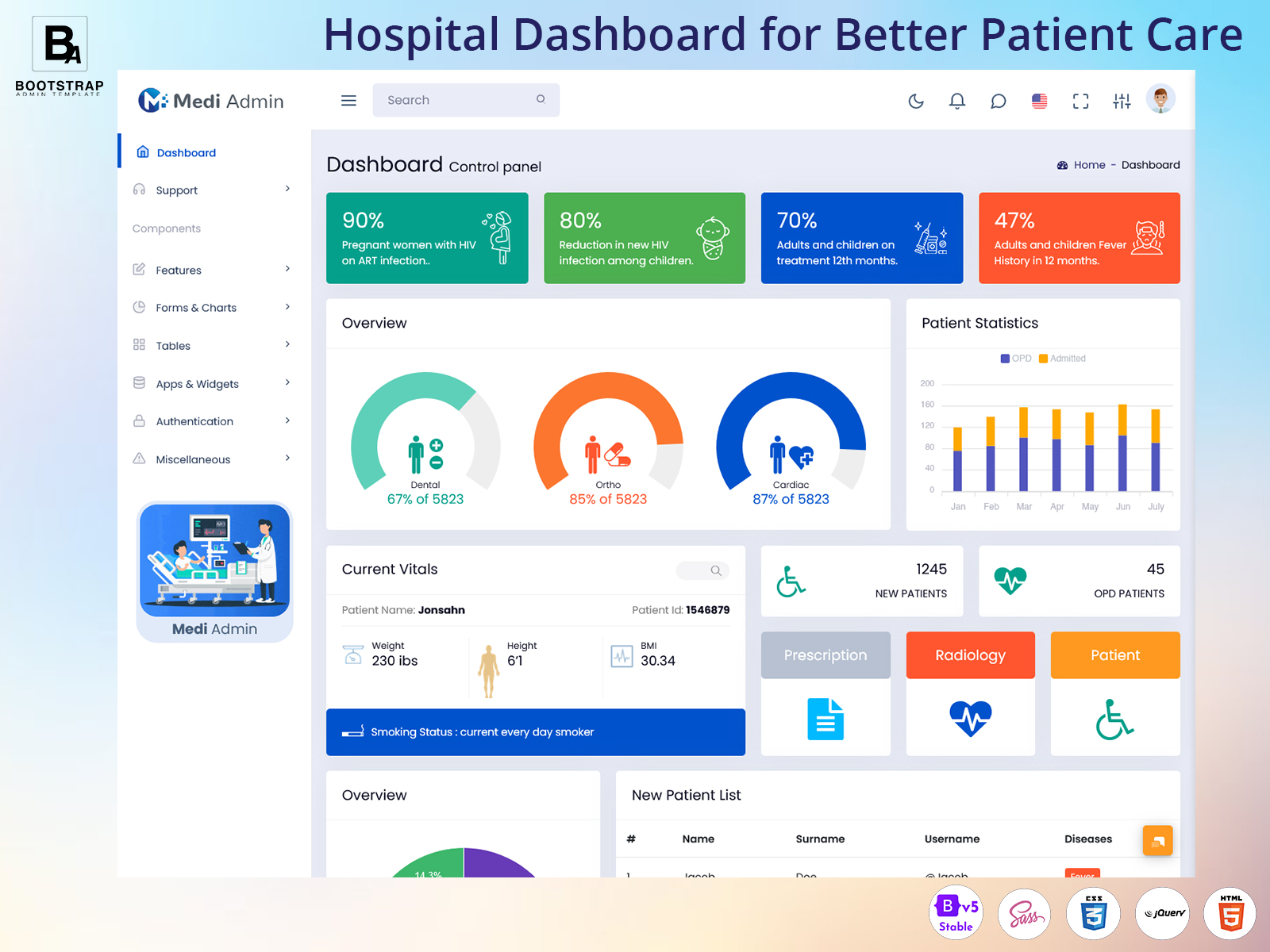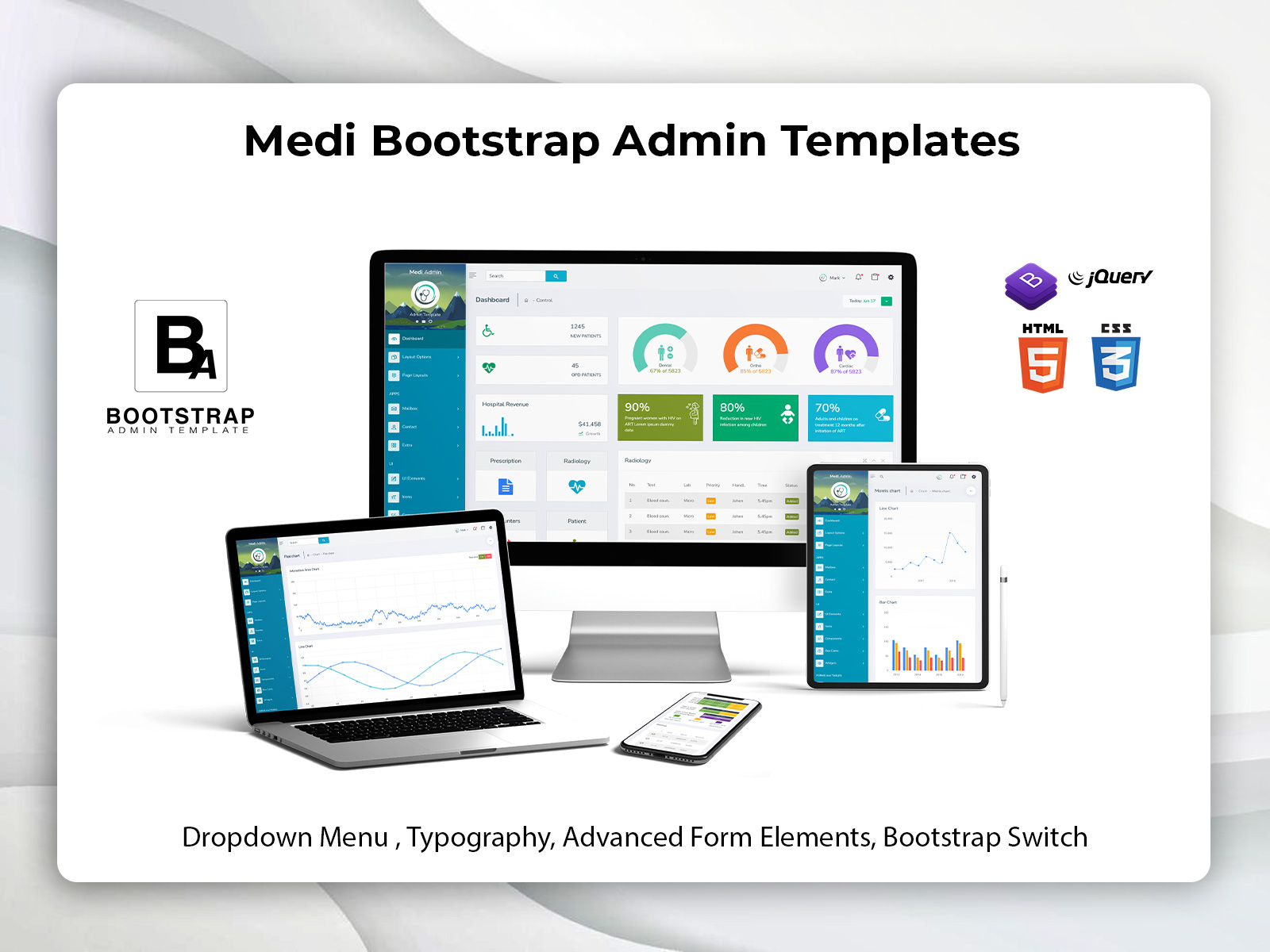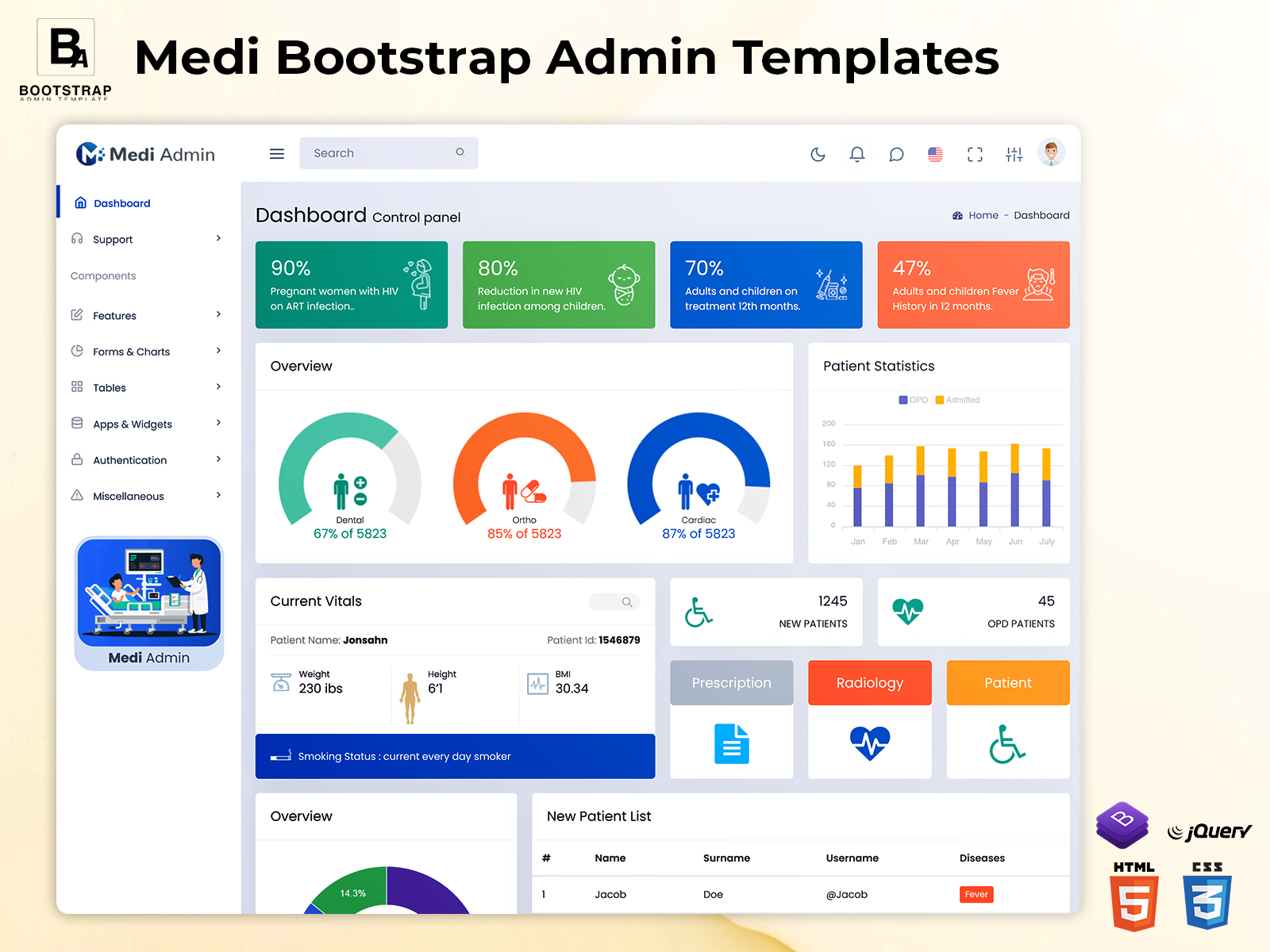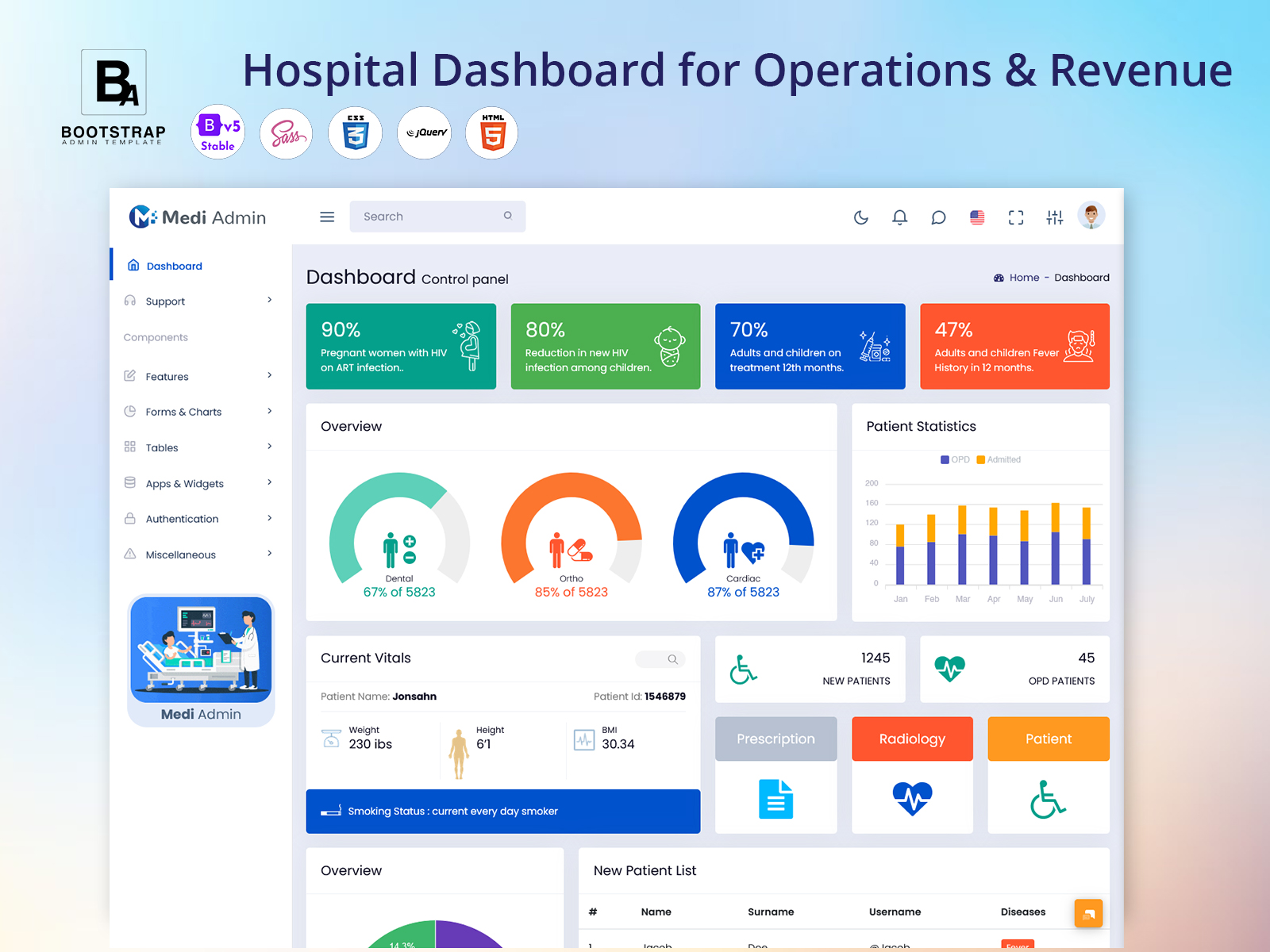
Hospital Dashboard for Operations and Revenue
What is a Hospital Dashboard?
A Hospital Dashboard offers a digital place where key hospital details can be set up based on what different people in the hospital need. Administrators, department heads, finance workers and others who are allowed to see the information can all use it. Then looking at each piece of information, on its own the dashboard can show how different things are connected. For example, if there are patients that can change how busy a department is, how much space is used, how many tests are needed, how many workers are required and how much money is made.

BUY NOW DEMO
Thus, it is important to understand that the value of a dashboard is not determined just by the number of statistics shown on a screen. Its value stems from how it displays pertinent information in a manner that can allow individuals to notice changes and respond to them accordingly. While the hospital administrator may require an overall operational view, the finance manager would be interested in aspects like collections, outstanding receivables, or income at the department level.
A carefully designed Hospital Software Dashboard can provide different perspectives in a single, organized interface for all users without making everyone see the same information. Filters, classifications, time frames, department displays, and access based on permissions are some of the features that can enhance effectiveness of the dashboard according to various responsibilities.
It can also become a useful starting point for reviewing historical patterns. Comparing activity across weeks or months can reveal changes that are difficult to notice when staff only look at individual records. This makes a hospital dashboard valuable not only for monitoring current activity but also for supporting planning and administrative review.
For developers, a Hospital Dashboard Template provides a ready-made interface foundation that can be adapted to the workflow of a particular hospital, clinic, healthcare group, or medical application. The final system can then be connected with the required hospital data, business rules, and internal processes.
Explain Features of Hospital Dashboard
The most useful hospital dashboard is not necessarily the one with the largest number of widgets. It is the one that organizes information around real decisions made by hospital teams. A practical dashboard can separate routine activity from items that require immediate review, allowing users to spend less time searching for information.
Department-Wise Activity View
A hospital may have several departments operating at different speeds. A department-wise view can help administrators compare activity without mixing unrelated records together. Users can examine changes within a selected department and understand where workload or demand is increasing.
Revenue and Collection Monitoring
The Hospital Revenue Dashboard allows for a financial view of the hospital operations by putting the income data in categories. This will not make an administrator look at the revenue as one lump sum, but instead he/she will be able to analyze it by service line, time periods or transaction types.
Pending Activity Identification
Not every important issue is represented by a completed transaction. Pending approvals, incomplete records, delayed payments, unfinished administrative tasks, or unresolved requests can affect the smooth running of a hospital. A dashboard can place these exceptions where authorized users can review them.
Resource Planning Support
Hospital resources include more than physical equipment. Rooms, staff time, diagnostic capacity, operating schedules, and other facilities all influence daily operations. A dashboard can help managers compare demand with available capacity and make more informed planning decisions.
Role-Based Information
A finance employee should not necessarily see the same information as a department coordinator. A Hospital Software Dashboard can be structured around user roles so that each person receives information relevant to their responsibilities. This can make the interface easier to understand while supporting controlled access.
Historical Comparison
Current numbers become more useful when there is context behind them. Comparing selected periods can help administrators recognize whether a change is temporary or part of a longer pattern. Historical views can support internal reviews, departmental discussions, and planning activities.
Action-Oriented Records
A dashboard should make it easy to move from an overview to the record that needs attention. A user reviewing an unusual figure may need to investigate its source rather than simply observe the number. Linking summary information with detailed records can make the workflow more practical.
Custom Administrative Views
Different healthcare organizations have different processes. A private clinic may need a simpler interface, while a multi-department hospital may require several operational sections. A Hospital Software Template can give developers a structured starting point that can be modified according to those individual requirements.
Benefits of Hospital Dashboard
Better Administrative Visibility
A hospital dashboard gives administrators a broader view of ongoing activity without requiring them to collect information manually from several departments. This can make routine reviews more organized and help teams notice important changes earlier.
Easier Revenue Review
Financial information can become difficult to interpret when it is spread across separate records. A Hospital Revenue Dashboard can organize revenue-related figures into useful views, helping authorized users review collections, trends, and areas requiring additional financial attention.
Improved Department Coordination
Departments often depend on one another. When one area experiences a change in workload, other teams may also be affected. A shared dashboard can provide a common operational reference, helping managers coordinate activities using the same current information.
More Focused Daily Work
Staff can lose time searching through records to determine what requires attention. By separating routine information from pending or unusual activities, a dashboard can help users focus their working time on specific tasks instead of repeatedly checking unrelated data.
Stronger Planning
Historical information can support better preparation for future workloads. Administrators can review previous activity, identify recurring patterns, and consider resource requirements before demand increases. This makes the dashboard useful for planning as well as daily monitoring.
Consistent Information Access
When teams rely on separate spreadsheets, messages, or manually prepared reports, information can become inconsistent. A centralized dashboard provides a structured interface where authorized users can work from the same underlying system and follow a more consistent review process.

BUY NOW DEMO
Flexible System Development
A Hospital Dashboard Template can reduce the amount of interface work required when developing a healthcare application. Developers can start with an established dashboard structure and customize screens, navigation, data fields, and workflows according to the hospital’s specific requirements.
Using a Hospital Dashboard for Revenue and Operational Decisions
Revenue should not be viewed separately from hospital operations. A change in revenue may be connected with patient volume, service demand, department activity, resource use, or payment delays. Looking at financial information alongside operational context can therefore provide a more useful picture of what is happening inside a healthcare organization.
For example, an increase in a department’s activity may appear positive from a revenue perspective, but administrators may also need to consider whether staffing and resources are sufficient to handle the additional demand. Similarly, a decline in collections may require a closer review of pending transactions rather than being treated simply as a financial problem.
This is where a Hospital Revenue Dashboard can become more meaningful. Instead of displaying a single financial number, the interface can provide supporting context around the number. Users may be able to examine selected periods, compare departments, identify unusual movements, and move toward the underlying records for further investigation.
The same principle applies to a Hospital Software Dashboard. Operational information becomes more useful when users can understand why a number has changed and what action may follow. This approach turns the dashboard from a passive reporting screen into a practical workspace for hospital administration.
Why a Hospital Software Template Can Help Developers
Building a healthcare application from an empty interface can require substantial frontend planning. Developers need to consider navigation, page structures, tables, forms, dashboard sections, user interactions, and visual consistency before connecting the system with hospital-specific functionality.
A Hospital Software Template can provide a prepared interface foundation for this work. Developers can adapt the available structure instead of designing every administrative screen from the beginning. This can be particularly useful when the application requires multiple sections for different hospital roles.
A Hospital Dashboard Template can also be customized around a particular organization’s workflow. Developers may adjust the interface to support financial management, department monitoring, patient-related processes, internal administration, or other functions required by the final application.
Bootstrap Admin Template provides healthcare-oriented dashboard foundations such as its Medi templates, which include medical administration sections and a range of reusable interface components. Its healthcare templates can serve as a starting point for developers who need to customize a frontend for a hospital or clinic application. The final healthcare system still needs its own backend, data connections, permissions, validation, and business logic based on the project’s requirements.
Conclusion
A hospital dashboard is most valuable when it helps people understand what is happening and where attention is needed. Instead of treating patient activity, departmental work, financial information, and pending tasks as disconnected records, a well-structured dashboard can bring these areas into a clearer operational view.
A Hospital Revenue Dashboard can add financial context, while a Hospital Software Dashboard can organize broader administrative information. For developers, a Hospital Software Template or Hospital Dashboard Template can provide a practical frontend foundation that can be adapted to the workflow of a particular healthcare application.
The goal should not be to place every available metric on one screen. A better approach is to select meaningful information, organize it according to user responsibilities, and make important records easy to investigate. When designed this way, a hospital dashboard can become a useful part of everyday administration and long-term planning.
BUY NOW DEMO
FAQ
1. What is the main purpose of a Hospital Dashboard?
A Bootstrap Admin Template Hospital Dashboard is designed to bring important healthcare and administrative information into one organized interface. It can help authorized users review operational activity, financial information, department performance, pending work, and historical trends without depending on multiple disconnected screens or manually prepared reports.
2. How can a Hospital Revenue Dashboard help hospital administrators?
A Hospital Revenue Dashboard can organize financial information into understandable views so administrators can review changes across selected periods, departments, or service categories. It can also help users identify unusual movements or pending financial activity that may require additional investigation by the appropriate team.
3. Is a Hospital Software Dashboard suitable for small clinics?
Yes. A dashboard does not have to be designed only for large hospitals. A small clinic can use a simplified interface focused on the information its staff actually needs. The number of sections, users, records, and workflows can be adjusted according to the organization’s operational requirements.
4. Can developers customize a Hospital Dashboard Template?
Yes. A Bootstrap Admin Template Hospital Dashboard Template is generally used as a frontend starting point rather than a complete hospital management system. Developers can modify layouts, navigation, forms, tables, dashboard sections, branding, and other interface elements and then connect them with the application’s own backend and healthcare workflows.
5. What should developers consider before using a Hospital Software Template?
Developers should first understand the application’s actual workflow, user roles, required data, permissions, integrations, and business rules. The template should support those requirements rather than determine them. It is also important to plan how the interface will connect with the application’s backend and database.
6. Can a hospital dashboard show both operational and financial information?
Yes, provided the application is designed to support both areas and access is properly controlled. Combining operational and financial context can help authorized managers understand relationships between activity, resource use, collections, and workload rather than reviewing each area completely separately.
7. How is a Hospital Dashboard Template different from a complete hospital software system?
A Bootstrap Admin Template Hospital Dashboard Template primarily provides the user-interface foundation, including layouts and reusable frontend elements. A complete hospital software system requires much more, including databases, backend functionality, authentication, permissions, integrations, validation, workflows, and organization-specific healthcare business logic.