
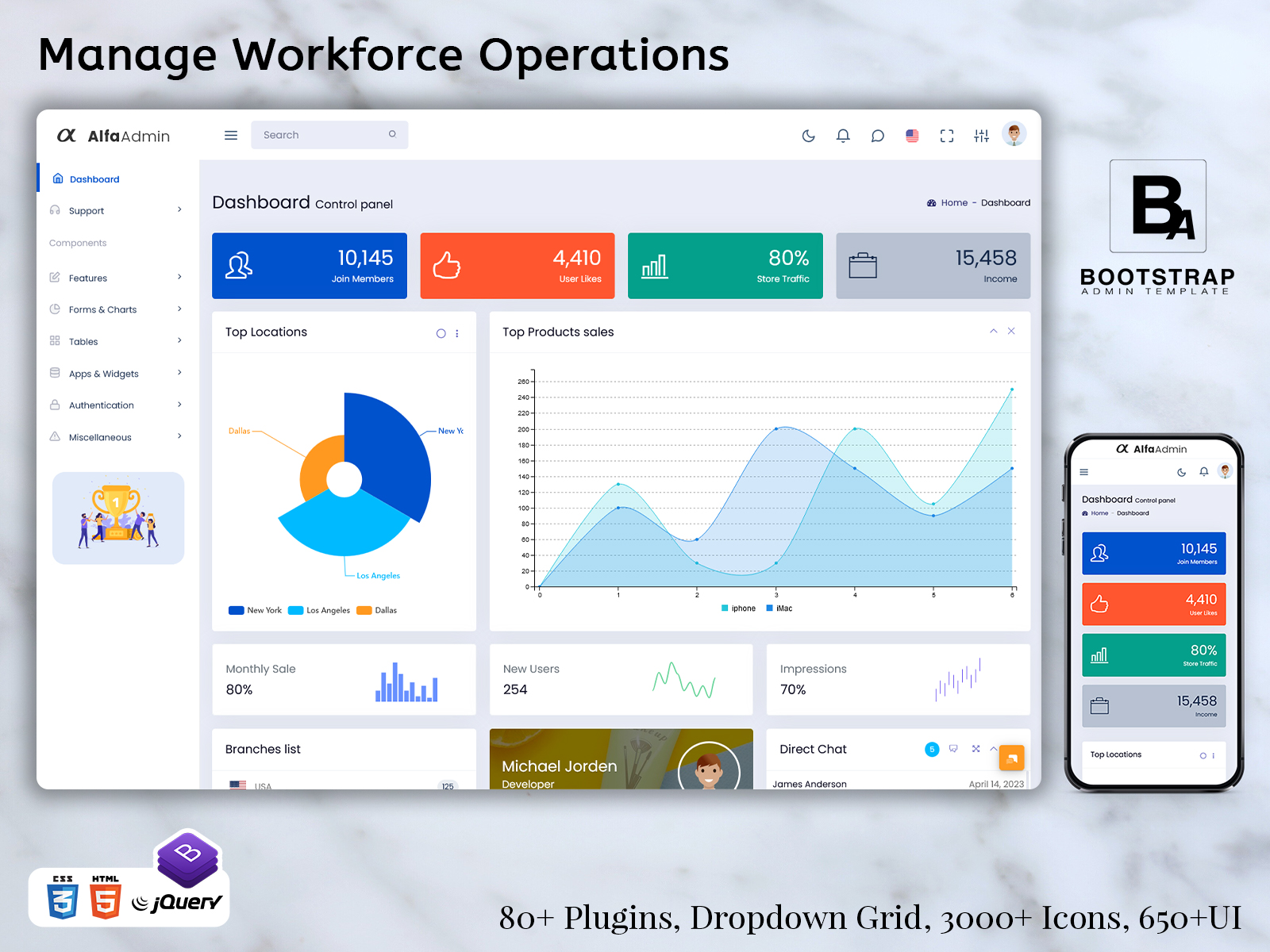
HRM Dashboard for Modern Workforce Management
An HRM Dashboard offers an integrated interface to manage such processes. This offers a structured platform for the HR departments and management to work on all such tasks involving the employees’ records, their attendance, their holidays and vacations, recruitments, departmental data and any other information related to the staff. This enables a more integrated approach to HR activities.
A well-planned HR dashboard is not simply about displaying employee numbers. Its value comes from making everyday HR operations easier to follow. The interface can help users understand what requires attention, locate employee information, monitor ongoing processes, and move between different administrative tasks without creating a confusing workflow.
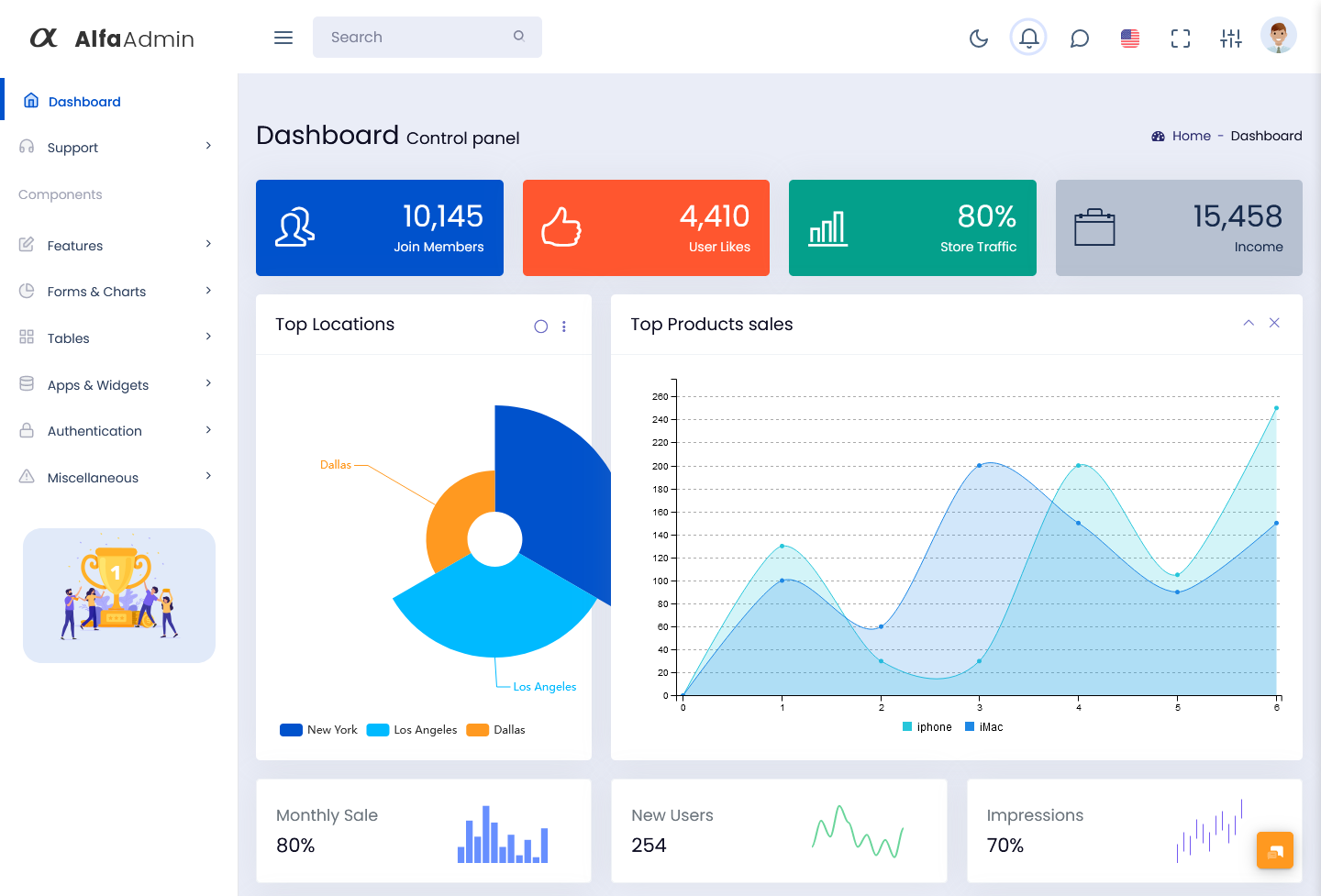
What Is a HRM Dashboard?
A HRM Dashboard is an administrative interface used to manage and review information related to human resources and employees. HRM stands for Human Resource Management, and the dashboard acts as a working layer between HR users and the underlying employee management system.
An HRM Dashboard can bring together different areas of workforce administration, including employee profiles, attendance, leave, departments, job roles, recruitment, onboarding, performance records, payroll-related information, and internal tasks. The exact modules depend on the organization and the HR software connected to the interface.
With the availability of related data in an organized environment, it becomes easy for the HR department to arrange the work. For instance, if an employee makes a request for leave, then the concerned manager needs to know about the department, leaves, and the leave request. In such a case, it becomes convenient if the records are kept together in the software.
The dashboard can also provide different views for different responsibilities. An HR administrator may require access to employee records and recruitment information, while a department manager may primarily need team attendance, leave requests, and employee details. With appropriate permissions, the same HR system can support different users without giving everyone access to every section.
An HRMS Dashboard can therefore become the central workspace of a broader human resource management system. HRMS, or Human Resource Management System, generally combines multiple HR processes within one software environment. The dashboard provides an organized interface through which authorized users can access those processes.
The important point is that an HRM dashboard should be designed around real HR workflows. An interface that looks attractive but makes employee information difficult to locate may not provide much practical value. Clear navigation and logical organization are therefore important when building an HR management application.
Features of an HRM Dashboard
Employee Profile Management
The dedicated area for employees can categorize data about personal information, job position, department, joining date, contacts, and all other information related to employment. The authorized users may use these profiles as a reference while performing activities related to employees.
Attendance Monitoring
Employee attendance data may be sorted by employee, department, date, and other parameters. This provides HR personnel with an efficient means of examining attendance data and pinpointing data which need to be addressed.
Leave Request Management
Leave requests can move through a defined workflow from submission to review and approval. A dashboard can provide HR staff and managers with an organized view of pending requests and previously recorded leave activity.
Department Organization
The employees can be categorized depending on whether they belong to certain departments, teams, locations, or even the job positions that they hold.
Recruitment Tracking
An HR dashboard can also support recruitment workflows by organizing candidate information, interview stages, application status, and hiring activities. This gives HR teams a dedicated area for following recruitment progress.
Employee Onboarding
New employees often need several activities to be completed before they are fully settled into their roles. An organized dashboard can help HR teams track documents, assigned tasks, onboarding steps, and other requirements.
Role-Based Access
HR systems often contain information that should not be visible to every user. Role-based permissions can help control which employees, managers, HR staff, and administrators can access particular sections of the application.
How an HRM Dashboard Changes Everyday HR Work
There are a number of small tasks that are included in HRM. An organization starts with just a simple list of employees. With an expansion in size, many more demands come up. The departments get bigger, the number of people that the managers have to deal with increases, the number of leaves rises, and employee files become more complicated.
An HRM dashboard can provide a consistent workspace for these changing requirements. Instead of creating a separate process for every HR activity, organizations can organize related operations within connected modules.
Consider the employee joining process. HR may first create the employee profile, assign a department, record the job role, collect documents, and then coordinate onboarding tasks. If these activities are handled through unrelated systems, HR staff may need to repeatedly search for the same employee information. A connected dashboard can provide a clearer sequence for these actions.
The same principle applies to existing employees. A manager may need to review a team member’s leave request while HR needs access to the broader employee record. When the system connects these areas, each authorized user can work from the information relevant to their responsibility.
A useful HR Dashboard can also help reduce unnecessary movement between screens. Frequently used actions can be positioned where users naturally expect to find them. Employee search, pending approvals, team information, and task-related sections can be organized according to the actual workflow instead of simply following a generic dashboard structure.
This is where a customizable Admin Dashboard UI Kit can be useful during development. Developers can use reusable interface elements to create employee lists, profile views, approval screens, forms, tables, and other HR-specific pages without designing every visual component from zero.
The interface can be upgraded along with the company itself. In case if in future there is a need to create more departments, introduce new fields for employees, add new approval stages or a completely new process within HR, the interface can just be extended, not replaced.
HRM Dashboard for Different Stages of the Employee Lifecycle
One useful way to structure an HRM Dashboard is around the employee lifecycle. HR responsibilities begin before an employee joins and continue throughout their time with the organization.
During recruitment, HR teams can focus on candidate records, interviews, open positions, and hiring progress. After selection, onboarding becomes the priority, with employee documentation, joining information, assigned tasks, and department placement becoming more relevant.
Once employees are working within the organization, the dashboard can support everyday activities such as attendance, leave requests, employee information, team assignments, and internal HR processes. Managers can access the information they need for their teams, while HR administrators can maintain broader employee records.
Later stages may involve performance reviews, role changes, transfers, promotions, or employee exits. These processes can require different information and approval steps, making a flexible dashboard structure particularly useful.
This lifecycle-based approach creates a more practical HR interface because the system is organized around how employee information changes over time. Instead of treating every HR record as an isolated database entry, the dashboard can provide a connected view of the employee’s journey through the organization.
An HRMS Dashboard can also help bring these stages together. When recruitment, onboarding, attendance, leave, employee records, and other HR activities are connected, authorized users can work with a more complete picture of workforce administration.
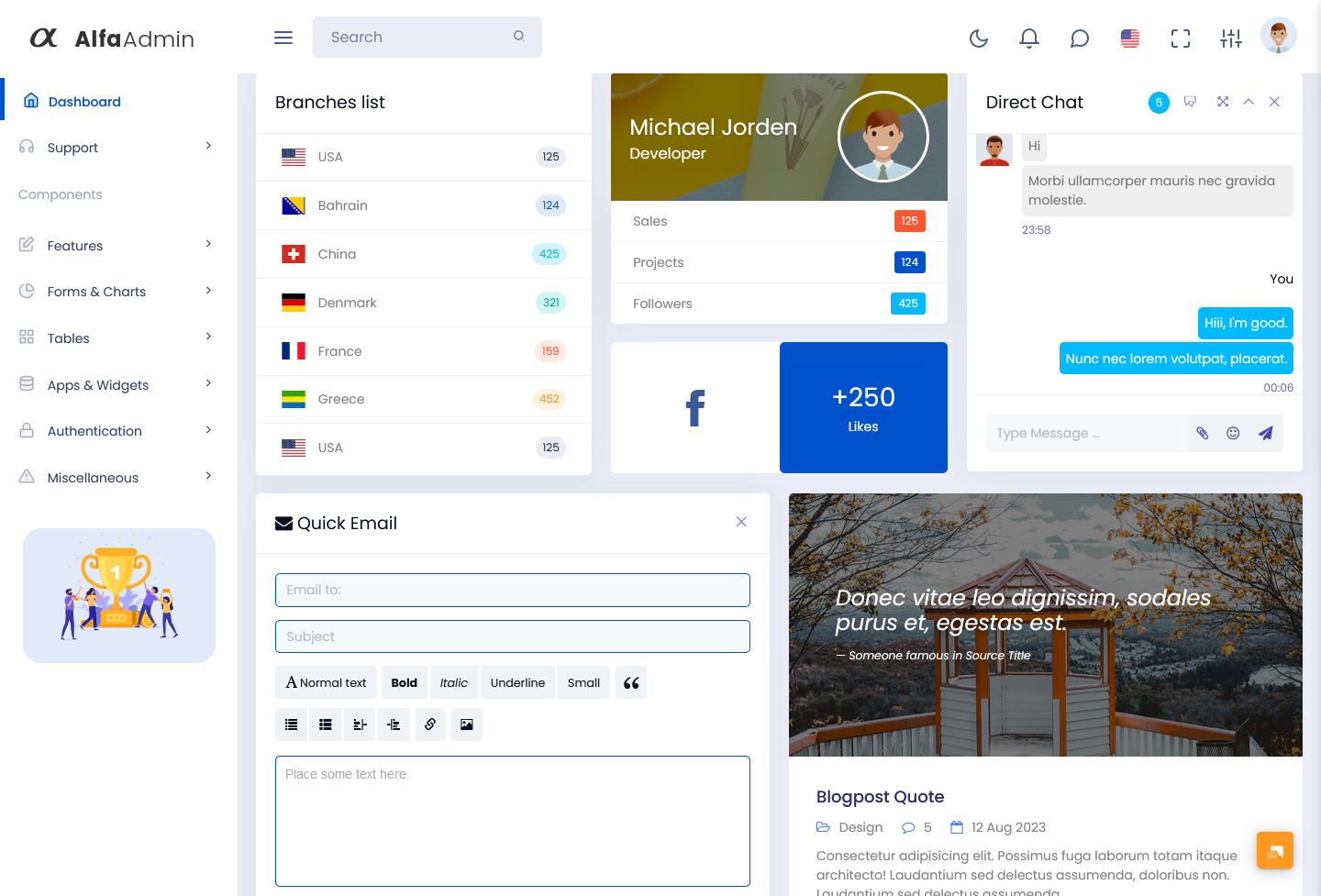
VIEW DEMO BUY NOW
Benefits of HRM Dashboard
1. Centralized Employee Information
An HRM dashboard gives authorized users a structured location for employee records and related HR information. Keeping connected details within one system can make it easier to locate records and maintain a consistent administrative workflow.
2. Easier HR Task Coordination
Recruitment, onboarding, attendance, leave, and employee-related activities can be organized into dedicated areas. HR teams can move between tasks through a common interface rather than relying on disconnected administrative processes.
3. Clearer Approval Workflows
Leave requests, onboarding activities, and other HR processes can follow defined approval stages. This provides managers and HR staff with a clearer view of pending actions and helps organize responsibilities.
4. Better Team Visibility
Department and employee information can be arranged so authorized managers can view relevant team details. This can make it easier to understand team composition, assigned responsibilities, and workforce-related activities.
5. Structured Employee Lifecycle Management
A dashboard can connect recruitment, joining, ongoing employment, and exit-related processes. This creates a more continuous approach to managing employee information throughout different stages of employment.
6. Flexible HR Administration
Every organization manages employees differently. A customizable dashboard allows developers to adapt fields, workflows, permissions, and modules according to the organization’s internal HR processes and requirements.
7. Scalable Interface Structure
As employee numbers increase, HR systems generally need additional records and management areas. A modular dashboard can be extended with new sections without requiring the complete administrative interface to be redesigned.
BootstrapAdminTemplate for HR Dashboard Development
BootstrapAdminTemplate provides ready-made admin dashboard and UI kit solutions that developers can use as starting points for web applications. Its templates include reusable interface components, layouts, application pages, forms, tables, and other dashboard elements that can be adapted to different projects. The site’s existing Admin Dashboard UI Kit offerings emphasize customizable interface structures and reusable components rather than requiring developers to build every administrative screen from the beginning.
For an HR project, these resources can provide the frontend foundation for creating employee profiles, HR tables, approval pages, forms, department screens, and other workforce-management interfaces. Developers can then connect these screens with their own backend, database, authentication, permissions, and HR business logic.
Conclusion
An HRM Dashboard can provide a practical working environment for managing employee-related operations. From recruitment and onboarding to attendance, leave, employee records, and organizational responsibilities, different HR activities can be brought together within one structured interface.
The usefulness of an HR dashboard depends on how closely its design matches the organization’s actual workflow. HR teams need to locate employee information quickly, managers need access to relevant team activities, and administrators may require broader control over workforce records. A flexible structure can accommodate these different requirements.
An HRMS Dashboard can also support organizations as their employee lifecycle processes become more detailed. New departments, additional approval stages, changing employee fields, and new HR processes can be incorporated when the interface is designed with customization in mind.
For developers, starting with an Admin Dashboard UI Kit can provide a practical foundation for creating these interfaces. Instead of spending the early development stage creating every basic dashboard component, the team can focus more of its effort on connecting the interface to the organization’s actual HR workflows and application functionality.
A thoughtfully structured HR dashboard therefore becomes more than an employee-data screen. It can serve as the central interface through which authorized users organize, review, and manage the many activities that keep workforce operations moving.
VIEW DEMO BUY NOW
Frequently Asked Questions
1. What should an HRM dashboard include?
A Bootstrap Admin Template HRM dashboard can include employee profiles, attendance records, leave management, department information, recruitment, onboarding, employee tasks, approvals, and role-based access. The exact modules should be selected according to the organization’s workforce processes and the responsibilities of its users.
2. What is the difference between an HRM dashboard and an HRMS dashboard?
A Bootstrap Admin Template HRM dashboard generally refers to the interface used to manage and review human resource activities. An HRMS dashboard is usually the dashboard within a broader Human Resource Management System that may connect several HR processes, such as employee records, attendance, leave, recruitment, and other workforce functions.
3. Can an HR dashboard be customized for a company’s internal process?
Yes. A Bootstrap Admin Template HR dashboard can be adapted to match an organization’s specific workflow. Developers can modify employee fields, navigation, approval stages, permissions, department structures, forms, tables, and other sections according to the company’s HR requirements.
4. Can an Admin Dashboard UI Kit be used for an HR management system?
Yes. A Bootstrap Admin Template Admin Dashboard UI Kit can provide reusable frontend components and layouts for building an HR application. Developers can adapt those elements for employee profiles, attendance screens, leave management, recruitment pages, forms, tables, and other HR-related interfaces.
5. Can different HR users have different dashboard permissions?
Yes. Role-based access can be implemented so users see only the information and functions appropriate to their responsibilities. For example, an HR administrator, department manager, employee, and system administrator may require different levels of access within the same application.
6. Can an HRM dashboard connect with an existing HRMS backend?
A Bootstrap Admin Template dashboard template can be integrated with an existing HRMS backend when the necessary development work is completed. The interface can communicate with APIs or other backend services to display and update employee information, while the backend continues to manage data, authentication, permissions, and business rules.
7. Is an HRM dashboard useful for small and growing businesses?
Yes. A smaller organization can use a simpler dashboard focused on employee records, attendance, leave, and basic HR activities. As the workforce grows, additional modules such as recruitment, onboarding, department management, approvals, and employee lifecycle workflows can be introduced as needed.
