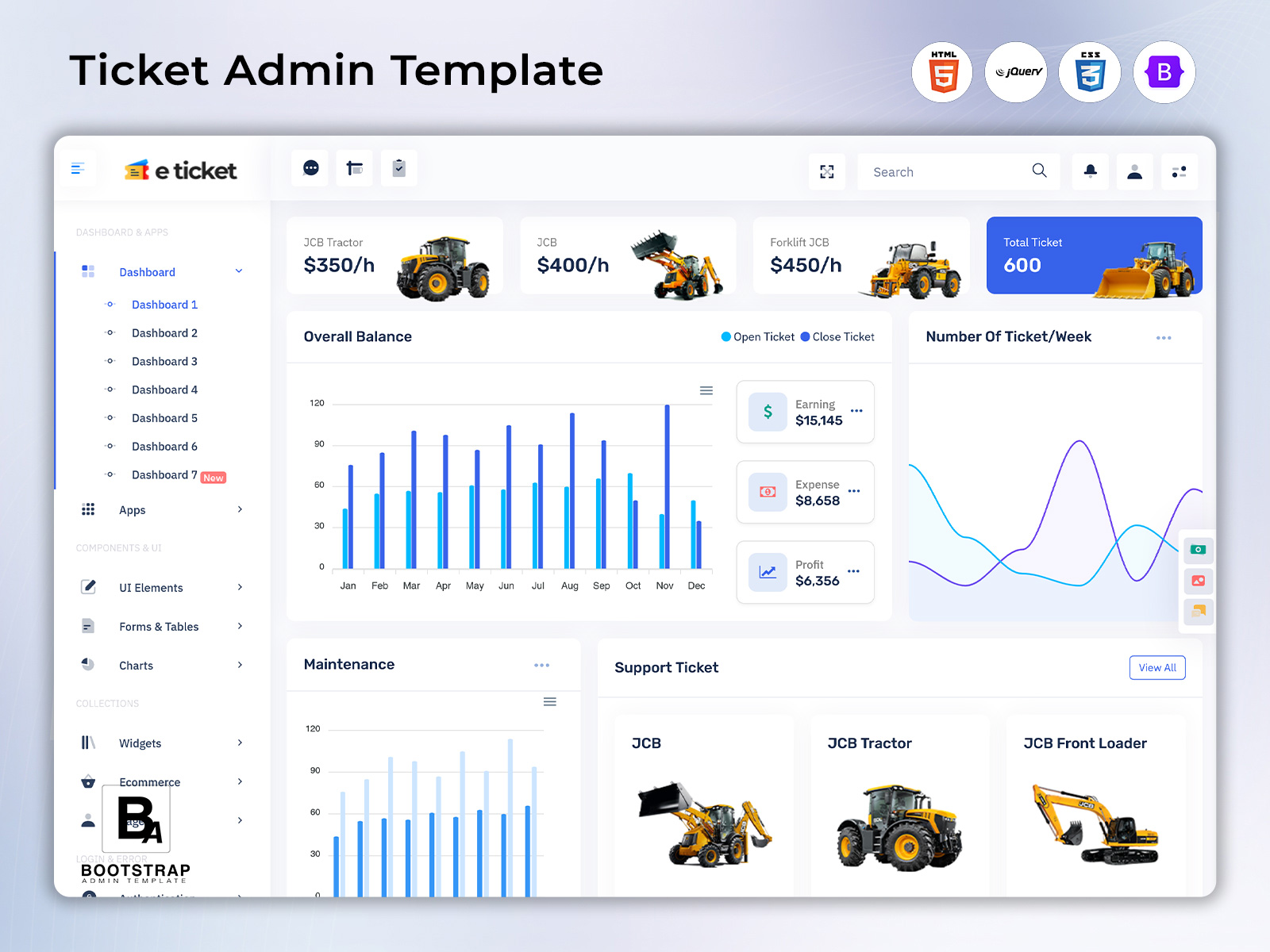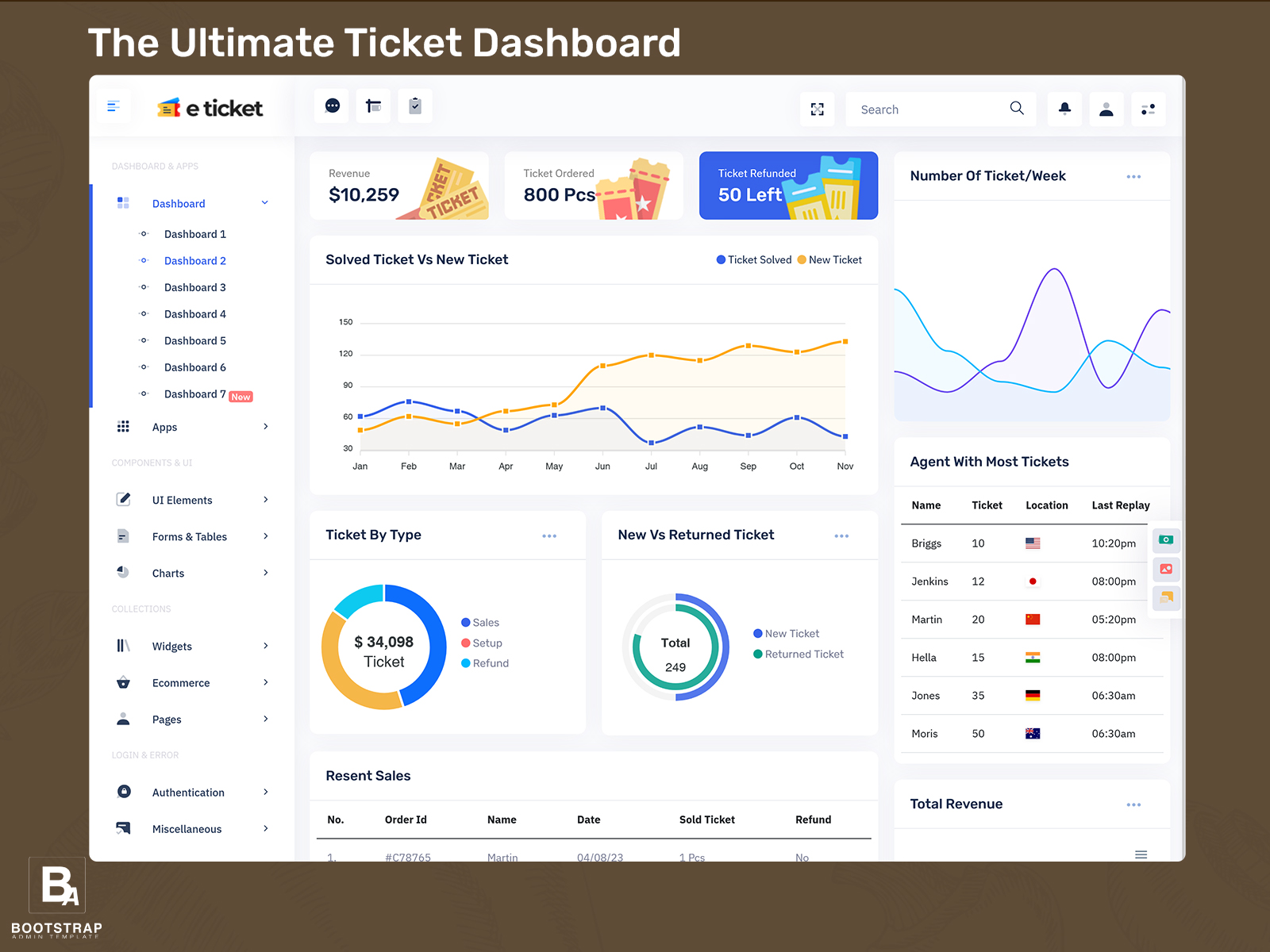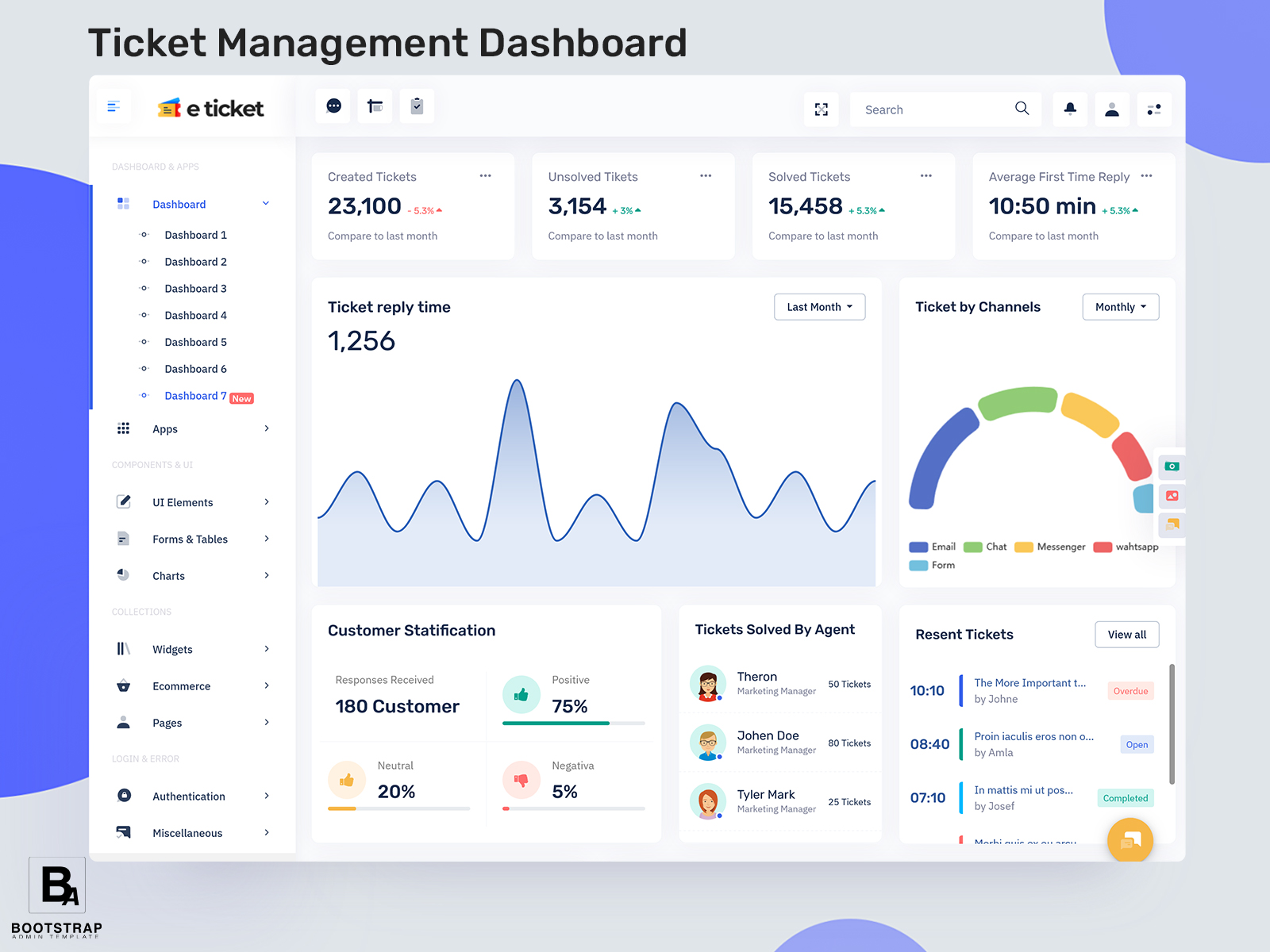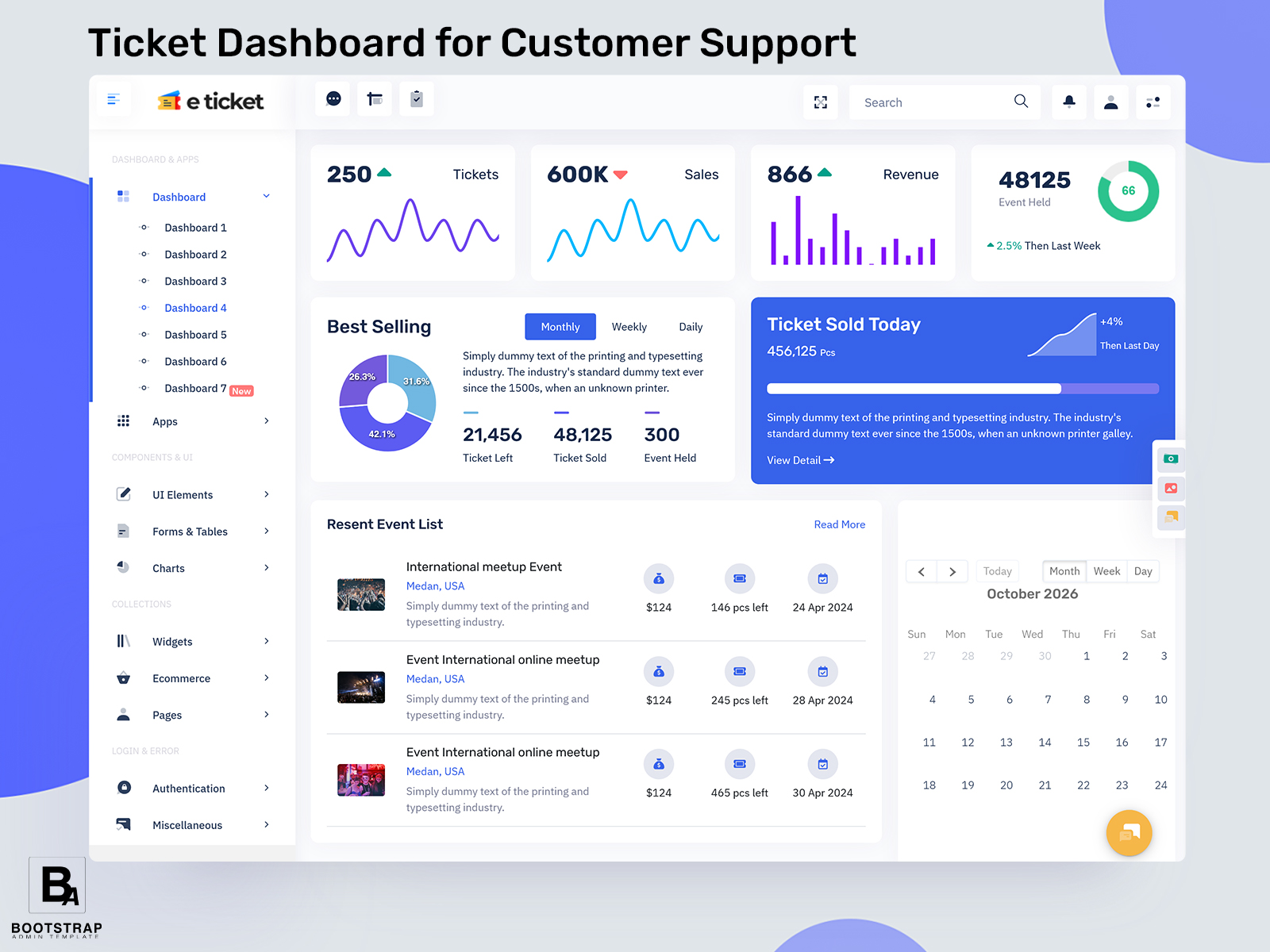
Ticket Dashboard for Customer Support
What Is a Ticket Dashboard?
The Ticket Dashboard is a centralized software where customer inquiries and requests can be tracked and handled with ease. This means that customer queries no longer need to be dealt with through email, instant messaging apps or spreadsheets.
A Ticket Dashboard does more than simply show how many tickets have come in. The true value of a Ticket Dashboard is that it helps a team understand what each ticket involves, who should handle it, how long it has been open and which details are still missing. This makes it easier to follow every request from the moment a customer sends a message until the ticket is resolved.
For businesses with multiple departments, tickets can involve much more than customer service. A customer asking about a delayed order may require information from the warehouse. A damaged product complaint may need input from shipping staff. A billing question can require the finance team to check an invoice. A Support Ticket Dashboard can bring these connected tasks into a shared workspace so that responsibility does not become unclear.
It is extremely useful while responding to customers’ requests made in relation to physical operations. As an example, the Efficient Warehouse depends on accurate synchronization of the processes taking place in storage, packing, dispatching, delivering and customer service. In the event when a customer claims that he has not received an item, the customer support may need to verify the order information collected as well as talk to the warehouse operators to come up with a meaningful answer.
The support ticket admin application can act as the management component of the process. The authorized person can manage the incoming tickets, see the status of the ticket, delegate tasks, take internal notes, and check the progress of the issue. This way, the manager will get a clear picture of the support process that is going smoothly or lagging behind.
Another advantage is continuity. Customers do not always explain the complete history of a problem every time they contact a company. Keeping relevant conversations and actions connected to the same ticket gives support staff more context when they take over an existing request.
A well-designed dashboard therefore becomes more than a list of customer complaints. It creates a structured record of business problems and the actions taken to resolve them.
BUY NOW DEMO
How a Ticket Dashboard Fits Into Daily Business Operations
A support request often passes through several people before it reaches completion. If those handoffs are managed informally, important details can become difficult to track. A Ticket Dashboard can provide a shared process in which each request has a visible place within the organization’s workflow.
Consider an online retailer receiving a message about a missing product. The support employee may first verify the order, then contact the warehouse, check dispatch information, and communicate the outcome to the customer. Each step can create additional work, but the original ticket remains the central reference point.
This type of workflow can also reveal where operational delays occur. If many tickets remain open because warehouse confirmation takes too long, the issue may not be the support team’s response process. It could indicate a communication gap between customer service and fulfillment. A dashboard can make these relationships easier to recognize.
The same principle applies to technical services, logistics companies, subscription businesses, healthcare services, educational platforms, and internal IT teams. The subject of the ticket changes, but the need for ownership, context, and progress remains.
A Support Ticket Dashboard can also help managers distinguish between a busy team and an overloaded workflow. A high number of tickets does not automatically mean poor performance. Some requests may be simple and resolved quickly, while a smaller number of complex cases may require coordination across several departments.
For this reason, a useful dashboard should help users understand the nature of the workload rather than focusing only on total ticket volume.
Features of a Ticket Dashboard
1.Ticket Ownership and Handover
There should be ownership for every ticket in order to ensure that there is no ambiguity regarding responsibility. The dashboard will assist in figuring out who is the current owner for the particular ticket and whether other departments need to provide some input.
2.Request Context
Support staff often need more than the customer’s latest message. A useful interface can keep relevant order details, previous communication, internal notes, and related information connected with the ticket so employees can understand the situation before responding.
3.Priority-Based Work Queues
Not all requests require equal urgency. Having a Ticket Dashboard will help employees differentiate between normal queries and problems that might have an effect on the delivery of goods or services, payment of bills, etc.
4.Department Coordination
Some requests require action outside the support department. The dashboard can help identify when warehouse, finance, technical, logistics, or other teams need to contribute. This makes cross-department communication part of the ticket workflow rather than a separate activity.
5.Ticket History
A complete history can help employees understand how a request developed. Reviewing earlier messages, status changes, assignments, and internal actions gives the next support representative useful background when taking responsibility for an existing case.
6.Operational Follow-Up
Tickets connected with business processes may need confirmation before they can be closed. A dashboard can help teams keep track of pending actions, such as warehouse verification, replacement approval, payment checking, or delivery confirmation.
7.Workload Visibility
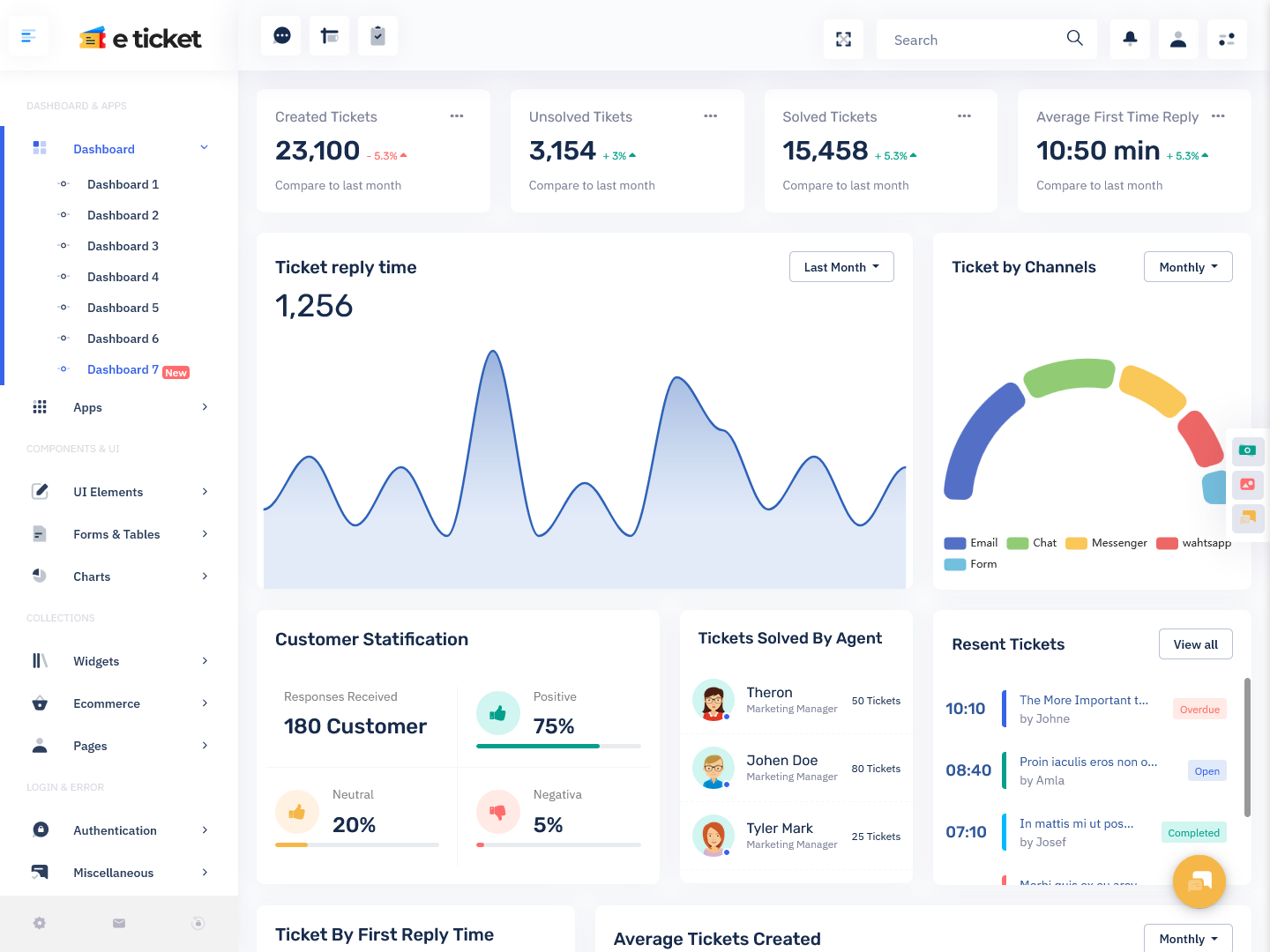
Managers can use the dashboard to get insight into the distribution of workload among the support team. Instead of measuring performance solely on the basis of the number of incoming requests, managers can look at open work, unresolved incidents, and other operational data.
BUY NOW DEMO
Using a Support Ticket Dashboard to Reduce Operational Friction
A Support Ticket Dashboard becomes particularly valuable when customer service and internal operations are closely connected. Many customer problems are actually symptoms of another process that needs attention. A delayed response may originate from missing inventory information, unclear ownership, a shipping delay, or a slow approval process.
For example, imagine a customer contacts an online store because an order has not arrived. The support employee creates a ticket and checks the order details. The next step may involve the warehouse or dispatch team. If the ticket system clearly records the required action, the relevant employee can understand what needs to be checked without asking the customer to repeat the entire problem.
This can make the support process more efficient while also creating useful operational information for managers.
An Efficient Warehouse can benefit from this connection as well. Repeated tickets about incorrect quantities, damaged packages, unavailable products, or delayed dispatches may point toward recurring fulfillment issues. When support information is reviewed alongside operational activity, businesses can identify problems that may otherwise remain hidden inside individual customer conversations.
The dashboard can also help distinguish between one-time incidents and recurring problems. A single complaint about a missing item may require normal customer service. A large number of similar complaints could indicate a process that deserves further examination.
Another important area is workload planning. Support managers can review which types of requests are consuming the most time and which departments are frequently involved. This information can support decisions about staffing, internal procedures, documentation, and escalation processes.
A Support Ticket Admin interface can make these workflows easier to manage by giving authorized administrators control over categories, assignments, statuses, and other operational structures. The exact configuration can vary according to the application’s requirements.
Customer communication also benefits from better internal organization. When employees have access to the relevant history, they can provide more consistent responses instead of repeatedly asking customers for information that has already been supplied.
The result is a more connected support process where customer service is not isolated from the rest of the business. Tickets become useful operational records that can help teams understand where customer problems originate and how those problems move through the organization.
Benefits of a Ticket Dashboard
1. Better Ticket Organization
A centralized workspace helps support teams keep incoming requests in one structured environment. Employees can separate active work from completed cases and identify which requests require additional attention.
2.Faster Internal Coordination
When a customer issue depends on another department, the ticket can provide a shared reference point. This reduces the need to recreate the same information through separate messages and helps the relevant team understand the required action.
3.Improved Customer Context
Keeping previous communication and related actions together gives support employees a clearer picture of the customer’s situation. This can make conversations more consistent when different employees become involved in the same request.
4. Easier Operational Problem Detection
Repeated ticket subjects can reveal problems outside the support department. Issues involving deliveries, inventory, payments, or product handling may become easier to recognize when customer requests are reviewed as a larger group.
5. Clearer Team Workloads
Managers can look at the volume and nature of work given to individual employees or departments. Such information is very helpful in distributing work in an effective manner.
6. More Consistent Follow-Up
Tickets can remain active until the required action has been completed. This makes it easier for teams to remember pending confirmations, customer responses, internal checks, and other steps that could otherwise be overlooked.
7. Useful Business Records
A completed ticket can become a record of what happened, what action was taken, and how the issue was resolved. Over time, these records can provide useful information for reviewing recurring customer and operational problems.
Bootstrap Admin Template for Ticket Management Interfaces
Bootstrap Admin Template offers ready-made admin interfaces and UI components that developers can adapt for applications requiring structured management workflows. Its available templates include support-ticket interfaces alongside dashboards, tables, forms, charts, widgets, authentication pages, and other application screens. Some of its templates specifically demonstrate support-ticket layouts and ticket-list interfaces, providing a starting point for projects that need to organize service requests. For a business developing a Ticket Dashboard or Support Ticket Admin system, these prebuilt frontend structures can be customized around the application’s own ticket data, user roles, warehouse workflows, customer records, and backend functionality.
Conclusion
The Ticket Dashboard can provide a new approach for managing support requests as well as tying those support requests into the business. The most powerful use of the Ticket Dashboard occurs when the ticket is considered not only as a customer request but also as a formal record of the problem and its resolution.
For businesses connected with physical products, the relationship between support and an Efficient Warehouse can be especially important. Questions about stock, dispatch, replacements, damaged packages, and delivery delays often require information from multiple teams. A connected ticket workflow can make these handoffs easier to manage.
A Support Ticket Dashboard can also help managers recognize recurring problems, understand workload distribution, and identify processes that repeatedly create customer issues. Meanwhile, a Support Ticket Admin interface can provide the controls needed to organize users, responsibilities, categories, and ticket workflows.
The goal is not to add more screens to a business system. It is to create a clearer path for handling problems from the first request through the final resolution. When the dashboard is designed around real business workflows, customer support can become more organized, connected, and easier to manage.
BUY NOW DEMO
Frequently Asked Questions
1. What is the main purpose of a Ticket Dashboard?
A Bootstrap Admin Template Ticket Dashboard provides a central place for managing customer or internal support requests. It can help teams organize incoming issues, assign responsibility, follow progress, maintain communication history, and identify requests that still require action. The exact workflow can be customized according to the business.
2. How can a Support Ticket Dashboard help customer service teams?
A Bootstrap Admin Template Support Ticket Dashboard can give customer service employees a clearer view of active requests and their history. Instead of searching through separate communication channels, employees can use the ticket as a reference point for the customer’s issue, previous actions, current responsibility, and required follow-up.
3. Can a Ticket Dashboard be connected with warehouse operations?
Yes. A Bootstrap Admin Template ticket system can be connected with warehouse-related workflows when customer issues depend on inventory, packing, dispatch, returns, or replacement processes. This can help support employees request or receive operational information without handling each warehouse-related issue through disconnected communication.
4. How does a Ticket Dashboard help an Efficient Warehouse?
Customer tickets can reveal recurring fulfillment problems such as delayed dispatches, incorrect items, damaged packages, or inventory-related complaints. Reviewing these requests can give warehouse and operations teams another source of information for identifying repeated issues and examining processes that affect customer experience.
5. What is the role of a Support Ticket Admin?
A Bootstrap Admin Template Support Ticket Admin can manage the administrative side of the support workflow, depending on how the application is built. This may include configuring ticket categories, managing assignments, controlling user access, reviewing workflows, and maintaining the structures that allow support employees to handle requests consistently.
6. Can a Ticket Dashboard be customized for different businesses?
Yes. Bootstrap Admin Template Ticket workflows differ significantly between an ecommerce company, software provider, logistics business, healthcare organization, and internal IT department. A dashboard can be customized around different ticket fields, departments, priorities, users, processes, and integrations to match the application’s specific requirements.
7. Can Bootstrap Admin Template be used for building a Support Ticket Dashboard?
Bootstrap Admin Template provides prebuilt admin layouts and interface components that can be adapted for different web applications. Its template collection includes support-ticket interfaces as well as tables, forms, dashboards, widgets, and other UI components. Developers can connect these frontend structures with their own backend systems and ticket-management functionality.